
Virgin Atlantic Scraper
The Scrapebit Virgin Atlantic Scraper enables you to extract structured data from Virgin Atlantic’s flight and hotel search results with AI-powered ease. Gather details like prices, times, destinations, hotel ratings, and booking links to streamline travel planning, pricing analysis, and market research. Ideal for travel professionals, data analysts, and savvy travelers who want fast, accurate access to Virgin Atlantic data.
The Scrapebit AI-Powered Virgin Atlantic Scraper is a Chrome Extension that uses advanced AI to transform flight and hotel search results from Virgin Atlantic into structured, downloadable data. With just a couple of clicks, you can extract detailed travel information for analysis, comparison, or business intelligence—no coding required.
✈️ What is Virgin Atlantic Scraper
The Virgin Atlantic Scraper is an AI Web Scraper designed to help you extract data from the Virgin Atlantic website, including flight and hotel search results. Powered by Scrapebit’s AI, this tool reads the content of any Virgin Atlantic page, suggests the most relevant columns, and lets you download the data in a structured format. Simply navigate to your desired search results, click AI Suggest Columns, and then Scrape—the AI does the rest.
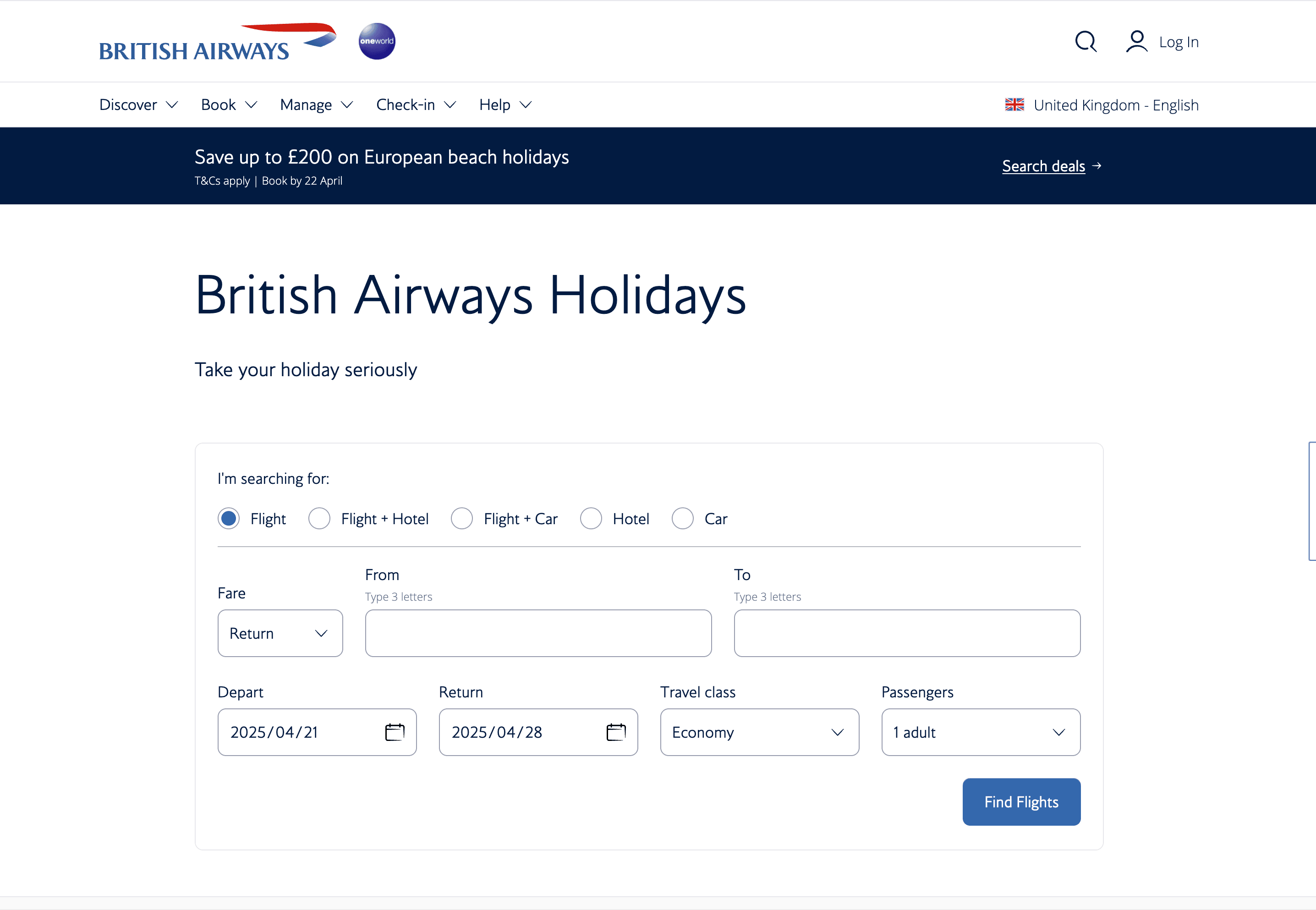
🧳 What can you scrape with Virgin Atlantic Scraper
Scrapebit’s AI-powered scraper is perfect for extracting travel data from Virgin Atlantic’s flight and hotel search results. Whether you’re a travel agent, analyst, or frequent flyer, you can quickly gather the information you need in just four simple steps.
Scrape Virgin Atlantic Flight Search Results
With the Virgin Atlantic flight search results page, you can extract comprehensive flight details for any route or date. This is ideal for fare comparison, travel planning, or market research.
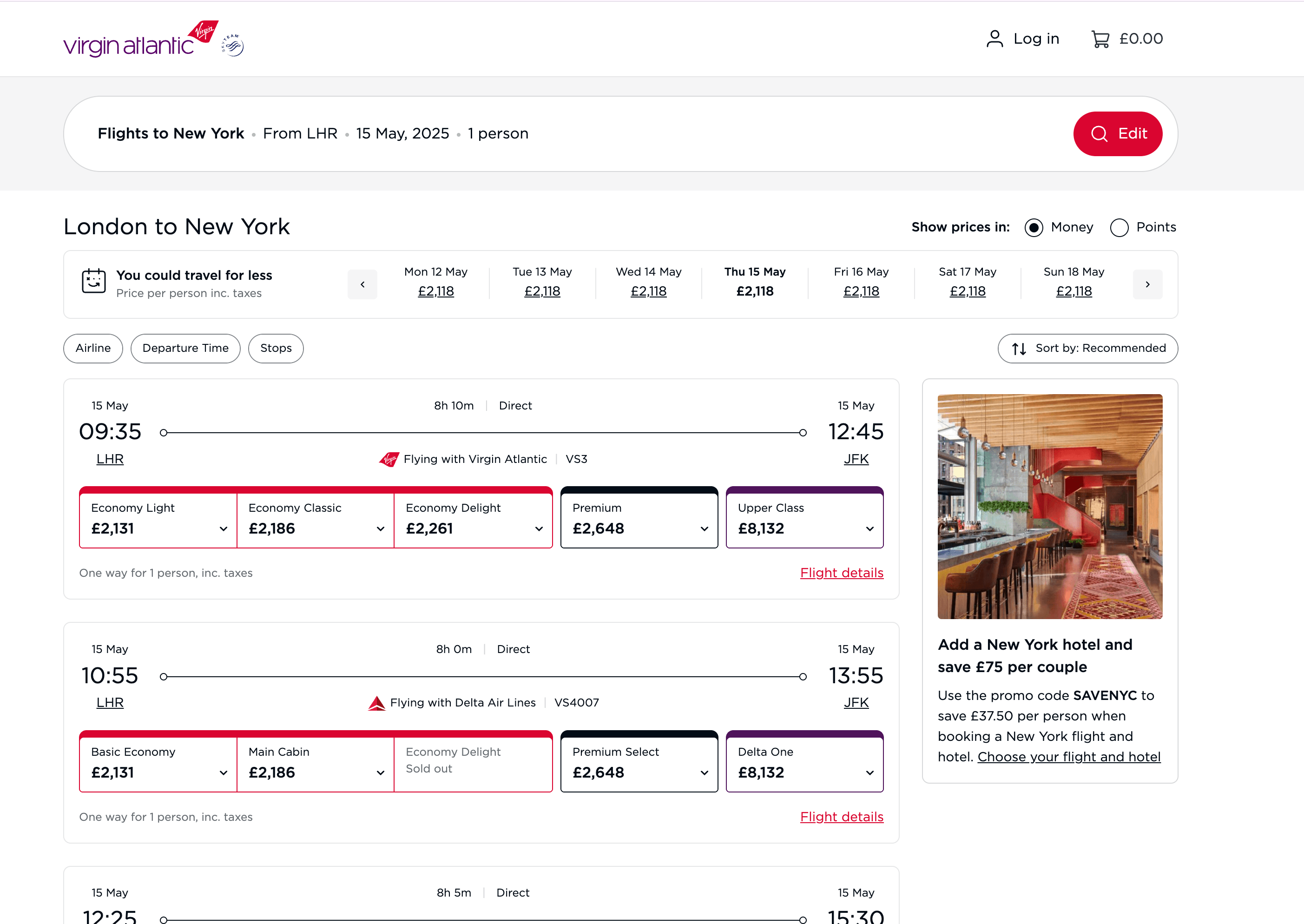
Steps:
- Sign up for Scrapebit — choose any access method: Web App for in-browser scraping, Chrome Extension to scrape any page you visit, or the REST API for automation.
- Go to the Virgin Atlantic flight search results page.
- Click AI Suggest Columns to let the AI recommend the best columns for your data extraction.
- Click Scrape to run the scraper, get your data, and download the file.
Column names
Scrape Virgin Atlantic Hotel Search Results
You can also extract hotel listings and details from the Virgin Atlantic hotel search results page. This is useful for travel agencies, price monitoring, or building your own travel comparison tools.
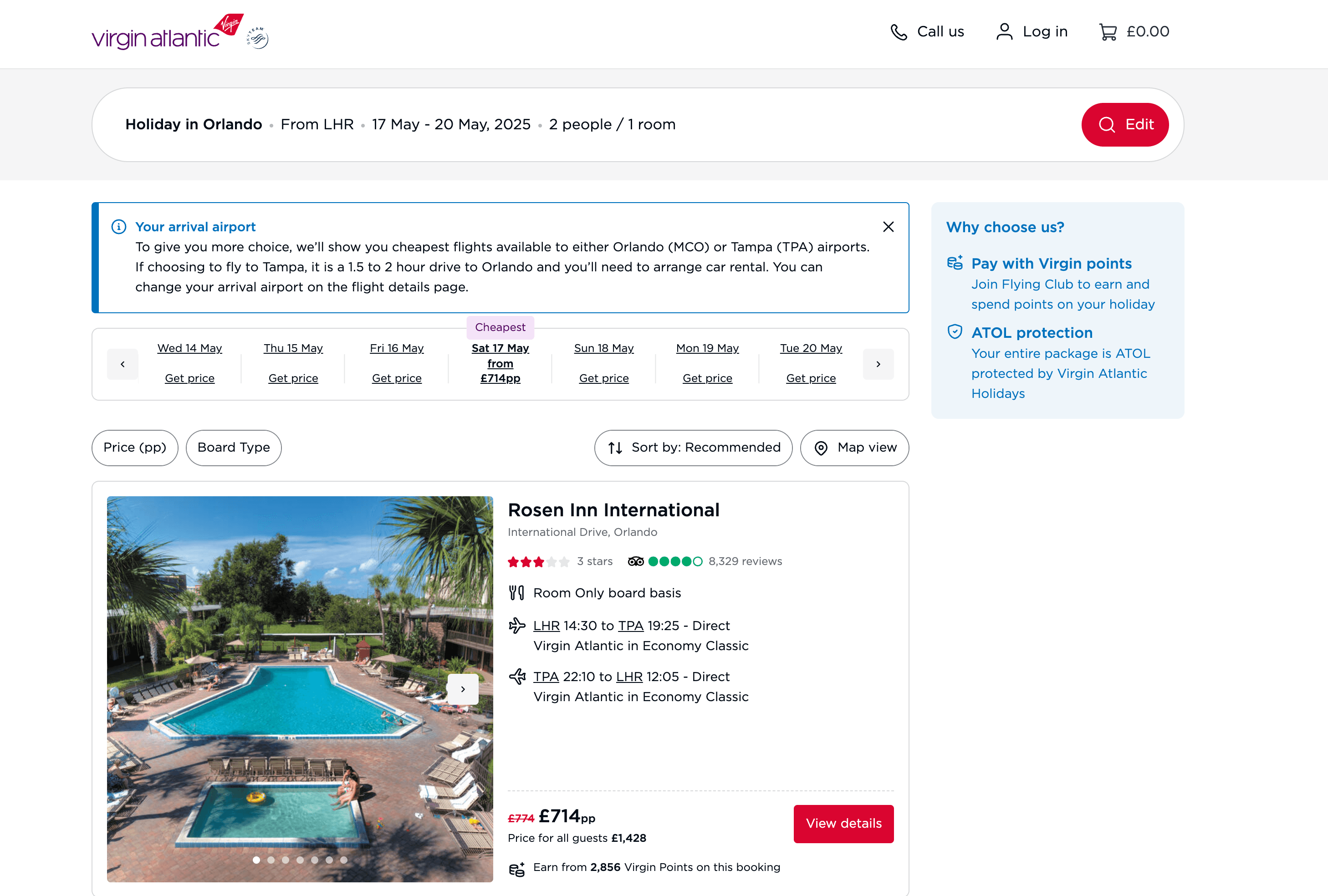
Steps:
- Sign up for Scrapebit — choose any access method: Web App for in-browser scraping, Chrome Extension to scrape any page you visit, or the REST API for automation.
- Go to the Virgin Atlantic hotel search results page.
- Click AI Suggest Columns to let the AI recommend the best columns for your data extraction.
- Click Scrape to run the scraper, get your data, and download the file.
Column names
🌍 Why Use Virgin Atlantic Scraper Tool
Scraping data from Virgin Atlantic can save you hours of manual work and open up new possibilities for:
- Travel Agents & Agencies: Quickly compare fares, hotel rates, and availability to offer the best deals to your clients.
- Market Researchers: Analyze pricing trends, route popularity, and hotel offerings for competitive intelligence.
- Frequent Flyers & Travelers: Track fare changes, find the best travel dates, and build custom travel dashboards.
- Developers & Data Analysts: Integrate real-time travel data into your own applications or reports.
With Scrapebit’s AI-powered approach, you don’t need to write code or configure complex scrapers—just point, click, and download.
🛠️ How to Use Virgin Atlantic Chrome Extension
- Install the Scrapebit Chrome Extension: Download Scrapebit (as a Web App or Chrome Extension) and register your account.
- Navigate to the Flight or Hotel Search Results Page: Go to the Virgin Atlantic flight search or hotel search page.
- Activate AI-Powered Scraper: Click AI Suggest Columns to generate column names or customize columns to meet your needs.
For a more detailed walkthrough, check out the Scrapebit Blog or watch tutorials on the Scrapebit YouTube Channel.
💳 Pricing for Virgin Atlantic Scraper
Scrapebit uses a credit-based system: 1 credit = 1 output row. The AI-powered scraper is free to try, and you can scrape up to 6 pages per month on the free plan. If you start a free trial, you get 10 pages for free before choosing a paid plan.
Pricing Plans
- A credit is an output row—for example, scraping 100 flight listings uses 100 credits.
- The AI Suggest Columns feature is included for free.
- The yearly plan is the most cost-effective, offering a significant discount over monthly pricing. See all options on the Scrapebit Pricing page.
❓ FAQ
-
What is the AI Powered Virgin Atlantic Scraper?
The AI Powered Virgin Atlantic Scraper is a Chrome Extension that uses artificial intelligence to extract structured data from Virgin Atlantic’s flight and hotel search results pages. It automates the process of identifying relevant data fields, so you can download travel information in just a few clicks.
-
What is Scrapebit?
Scrapebit is an AI-driven productivity tool that helps you automate web scraping, data extraction, and repetitive online tasks. It’s designed for business users, marketers, researchers, and anyone who needs to collect data from the web quickly and accurately. Learn more at the Scrapebit Official Website.
-
How do I get started with the Virgin Atlantic Scraper?
Simply install Scrapebit (as a Web App or Chrome Extension), register your account, and navigate to the Virgin Atlantic search results page you want to scrape. Use the AI Suggest Columns feature to set up your data extraction, then click Scrape.
-
What types of data can I extract from Virgin Atlantic?
You can extract flight details (flight number, departure/arrival times, prices, cabin class, etc.) and hotel information (hotel name, location, price, star rating, room type, and more). The AI automatically detects and structures this data for you.
-
Is there a free trial available?
Yes, Scrapebit offers a free plan that lets you scrape up to 6 pages per month. If you start a free trial, you can scrape 10 pages for free before deciding on a paid plan.
-
How does the credit system work?
Each output row of data uses one credit. For example, if you scrape a search results page with 50 flights, you’ll use 50 credits. Credits are included in all paid plans, and you can choose a plan that fits your needs.
-
Can I customize the columns I want to scrape?
Absolutely. The AI Suggest Columns feature recommends the most relevant columns, but you can adjust or add columns as needed before running the scraper.
-
Is it legal to scrape data from Virgin Atlantic?
Scraping publicly available data for personal or business analysis is generally allowed, but you should always review Virgin Atlantic’s terms of service and ensure compliance with relevant laws and regulations. Scrapebit is designed to respect website structures and privacy.
-
Where can I learn more about web scraping and Scrapebit’s features?
You can explore the Scrapebit Blog for guides like How to Scrape Website Data into Excel using AI, What Is Data Scraping and How to Do It in 2025, and The Best Web Scraping Tools & Software in 2025. For video tutorials, visit the Scrapebit YouTube Channel.
📚 Learn More
- Scrapebit Official Website
- Scrapebit Chrome Extension Download Page
- Scrapebit Pricing
- Scrapebit Blog
- How to Scrape Public Web Pages Using AI
- How to Scrape Website Data into Excel using AI
- The Best Web Scraping Tools & Software in 2025
- Scrapebit YouTube Channel
With Scrapebit, you can turn Virgin Atlantic’s travel data into actionable insights—fast, accurate, and powered by AI.
Ready to use this template?
Install the Scrapebit Chrome extension and start scraping in minutes.