
REWE.de Scraper
Scrapebit's REWE.de Scraper enables you to quickly extract product listings and detailed SKU information from REWE.de using AI. With just two clicks, gather structured data for sales, marketing, or e-commerce analysis directly from REWE's website.
Scrapebit’s AI-Powered REWE.de Scraper transforms the way you collect product data from REWE.de. By leveraging advanced AI, you can extract structured product listings and detailed SKU information in just two clicks—ideal for sales, marketing, and e-commerce teams who need fast, accurate data for analysis or automation.
🛒 What is REWE.de Scraper
The REWE.de Scraper is an AI Web Scraper designed to help you extract data from REWE.de—one of Germany’s leading online grocery retailers. With Scrapebit’s Chrome Extension, you simply navigate to any REWE product or offer page, click AI Suggest Columns, and then Scrape to instantly generate structured data. Scrapebit’s AI reads the page, suggests the most relevant columns, and lets you customize before downloading your results.
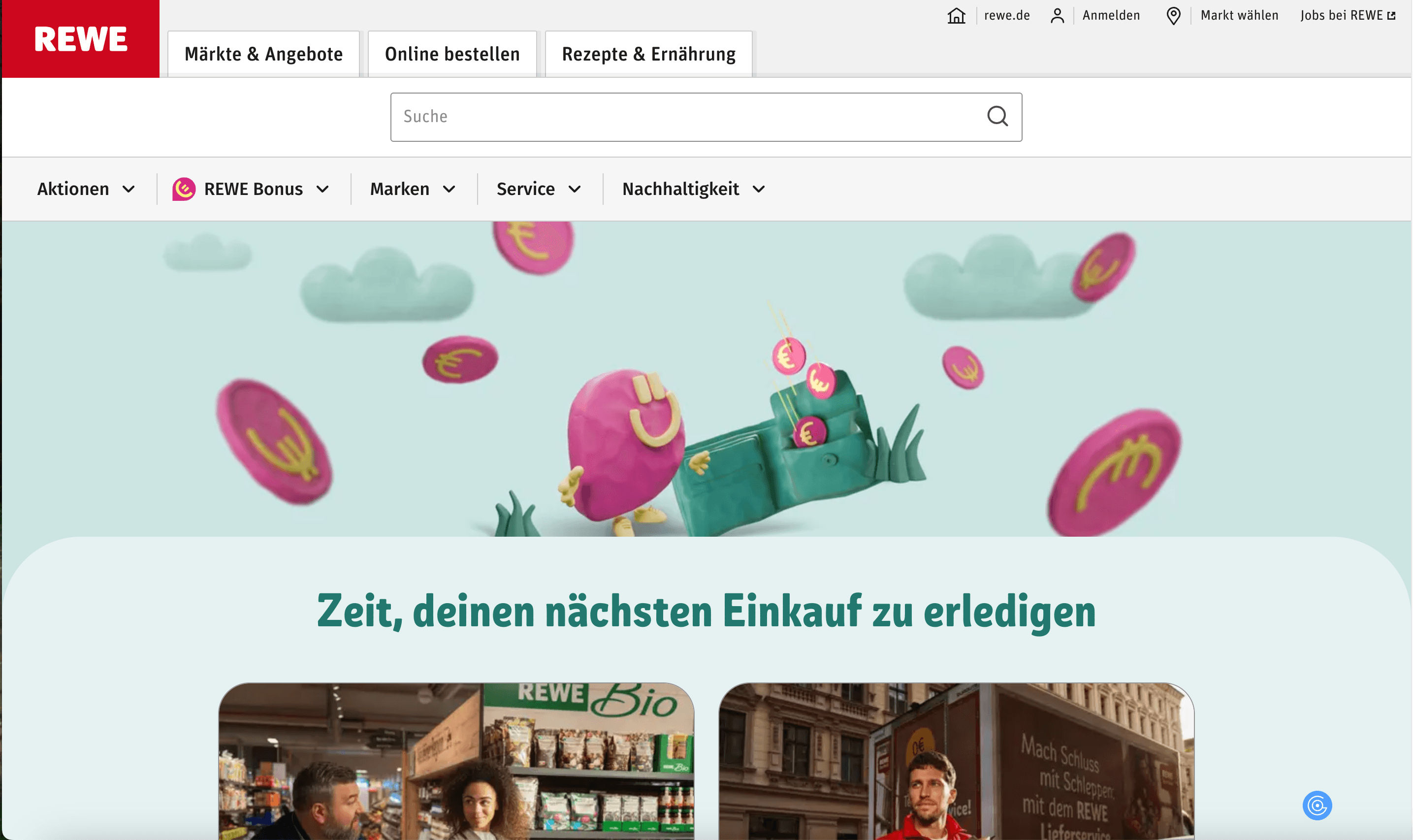
🥦 What can you scrape with REWE.de Scraper
Scrapebit’s REWE.de Scraper is perfect for extracting both broad product listings and detailed SKU information. Whether you’re tracking weekly offers or analyzing individual product details, Scrapebit’s AI makes the process simple and efficient.
🏷️ Scrape REWE SKU Listings Page
With the REWE SKU Listings Page Scraper, you can extract all products featured in REWE’s national offers. This is ideal for monitoring weekly deals, price changes, and product availability.
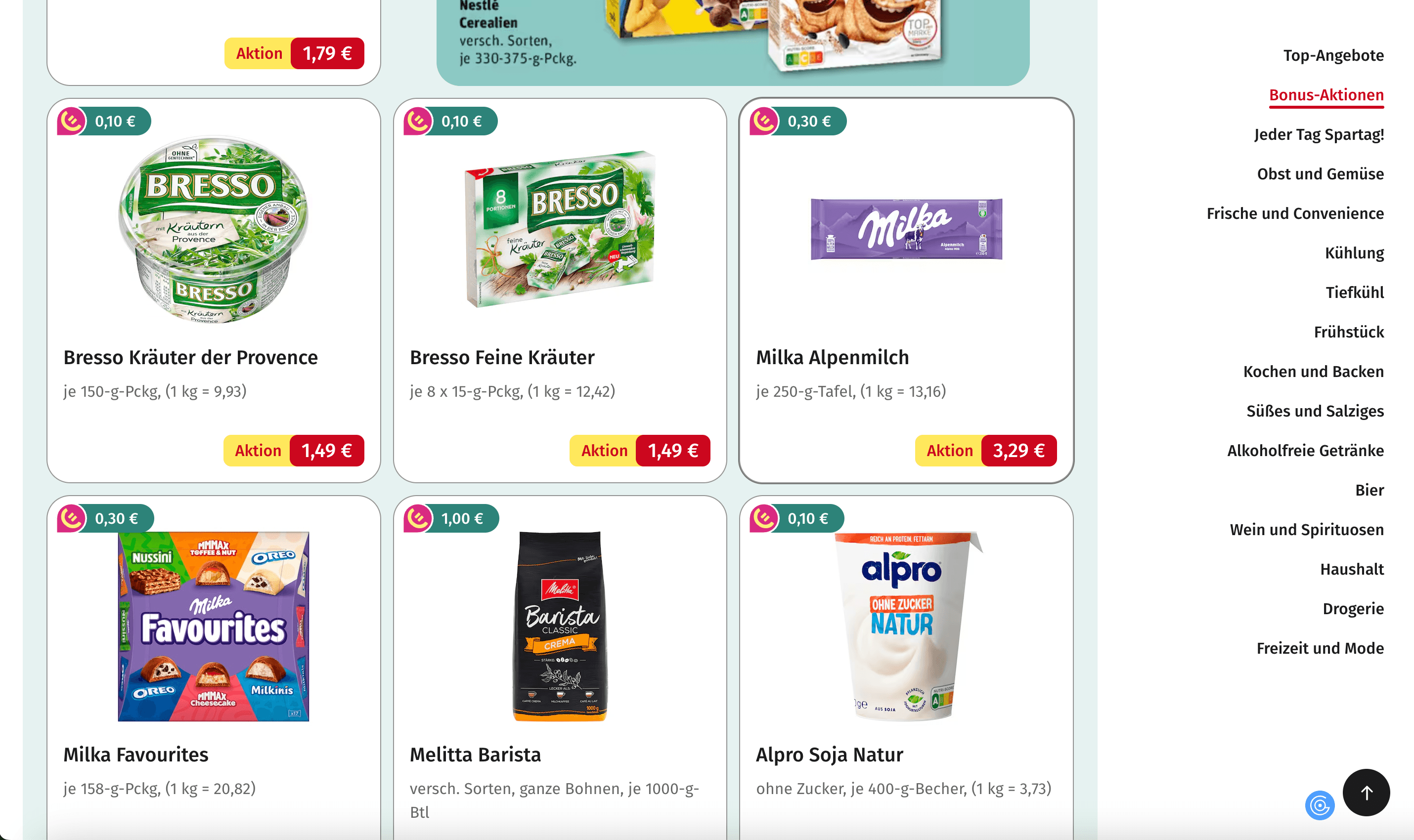
Steps:
- Download Scrapebit (as a Web App or Chrome Extension) and register your account.
- Go to the REWE Nationale Angebote page.
- Click AI Suggest Columns to let Scrapebit recommend the best columns for your data extraction.
- Click Scrape to run the scraper, get your data, and download the file.
Column names
📦 Scrape REWE SKU Details Page
The REWE SKU Details Page Scraper allows you to extract in-depth information about a specific product, including nutritional facts, ingredients, and more. This is especially useful for product research, catalog building, or competitive analysis.
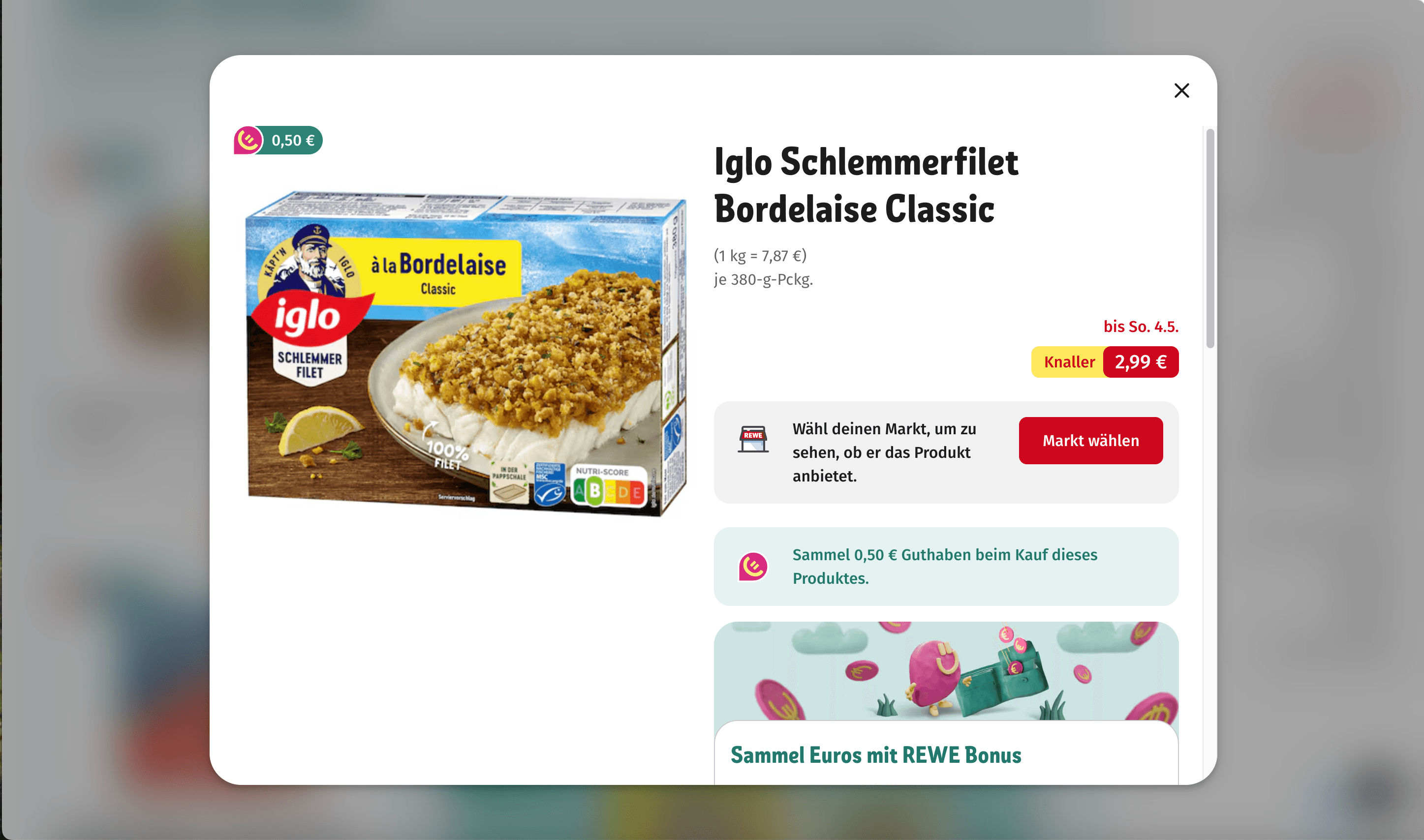
Steps:
- Download Scrapebit (as a Web App or Chrome Extension) and register your account.
- Go to the REWE SKU Details page.
- Click AI Suggest Columns to let Scrapebit’s AI recommend the most relevant columns for detailed product data.
- Click Scrape to extract the data and download your file.
Column names
💡 Why Use REWE.de Scraper Tool
Scraping REWE.de data is valuable for a variety of professionals:
- E-commerce teams: Track competitor pricing, monitor product availability, and update your own product catalogs.
- Sales & marketing analysts: Analyze weekly offers, identify trends, and optimize promotional strategies.
- Retailers & distributors: Benchmark products, compare SKUs, and streamline inventory management.
- Researchers: Collect nutritional and ingredient data for food studies or consumer research.
With Scrapebit’s AI, you save hours of manual copy-pasting and ensure your data is always accurate and up-to-date.
🧩 How to Use REWE.de Chrome Extension
- Install the Scrapebit Chrome Extension: Download the extension and register your account.
- Navigate to REWE Listings or Details Page: Go to the REWE Nationale Angebote page or any SKU details page.
- Activate AI-Powered Scraper: Click AI Suggest Columns to generate column names or customize columns to meet your needs.
For a step-by-step guide, check out How to Scrape Public Web Pages Using AI and How to Scrape Website Data into Excel using AI.
💸 Pricing for REWE.de Scraper
Scrapebit uses a credit-based system:
- 1 credit = 1 output row (e.g., 1 product = 1 credit).
- Free plan: Scrape up to 6 pages per month.
- Free trial: Scrape up to 10 pages for free when you start your trial.
Paid plans are available for higher-volume needs, with significant discounts on yearly subscriptions:
Tip: The yearly plan is more cost-effective and is currently discounted.
Learn more on the Scrapebit Pricing page.
❓ FAQ
-
What is the AI Powered REWE.de Scraper?
The AI Powered REWE.de Scraper is a tool that uses artificial intelligence to extract structured data from REWE.de’s product listings and SKU detail pages. It automates the process of collecting product names, prices, descriptions, and more, making it easy to analyze or integrate this data into your business workflows. -
What is Scrapebit?
Scrapebit is an AI-driven Chrome Extension that simplifies web scraping, data extraction, and automation. It’s designed for business users, marketers, and researchers who need to collect data from publicly accessible webpages, including e-commerce, social media, and more. Scrapebit’s unique AI Suggest Columns feature makes it the easiest-to-use web scraper available. -
How do I get started with the REWE.de Scraper?
Simply install Scrapebit (as a Web App or Chrome Extension), register your account, and navigate to any REWE.de product or offer page. Click AI Suggest Columns to let the AI recommend the best columns, then click Scrape to download your data. -
What kind of data can I extract from REWE.de?
You can extract product names, prices, URLs, images, descriptions, ingredients, nutritional information, and more. The AI Suggest Columns feature helps you select the most relevant data fields for your needs. -
How many pages can I scrape for free?
On the free plan, you can scrape up to 6 pages per month. If you start a free trial, you can scrape up to 10 pages before deciding if you want to upgrade to a paid plan. -
What is a credit and how is it used?
A credit represents one output row in your scraped data. For example, scraping a product listing with 20 products will use 20 credits. Credits are consumed each time you run a scrape and download results. -
Can I customize the columns I want to scrape?
Yes, Scrapebit’s AI Suggest Columns feature recommends columns based on the page, but you can always adjust or add columns to fit your specific requirements before scraping. -
Is it safe and legal to scrape data from REWE.de?
Scrapebit is designed to respect website terms and privacy. Always ensure your use of scraped data complies with REWE.de’s terms of service and relevant data protection laws. -
Where can I learn more about web scraping and Scrapebit’s features?
Visit the Scrapebit Blog for in-depth guides, such as What Is Data Scraping and How to Do It in 2025, How to Scrape Public Web Pages Using AI, and The Best Web Scraping Tools & Software in 2025.
📚 Learn More
- Scrapebit Official Website
- Download Scrapebit Chrome Extension
- Scrapebit Pricing
- Scrapebit Blog
- How to Scrape Website Data into Excel using AI
- How to Scrape Public Web Pages Using AI
- Scrapebit YouTube Channel
With Scrapebit’s AI-Powered REWE.de Scraper, you can collect, analyze, and act on REWE product data faster than ever—no coding required. Try it today and see how easy web data extraction can be.
Ready to use this template?
Install the Scrapebit Chrome extension and start scraping in minutes.