
MUJI Scraper
Scrapebit's MUJI Scraper enables you to quickly extract product listings and detailed SKU information from MUJI's website using AI. Ideal for sales, marketing, and e-commerce teams, this tool streamlines data collection for product research and analysis in just a few clicks.
Scrapebit’s AI-Powered MUJI Scraper transforms the way you collect product data from MUJI’s UK website. By leveraging advanced AI, Scrapebit structures product listings and SKU details into clean, ready-to-use datasets—perfect for e-commerce, sales, and market research. With just a couple of clicks, you can extract and download the information you need, saving hours of manual work.
🛏️ What is MUJI Scraper
The MUJI Scraper is an AI Web Scraper designed to help you extract product listings and detailed SKU information from MUJI’s UK website. Powered by Scrapebit’s AI, this Chrome Extension reads the content of any MUJI page, suggests the most relevant columns, and structures the data for you. All you need to do is navigate to the MUJI page you want to scrape, click AI Suggest Columns, and then Scrape—the data is ready for download in seconds.
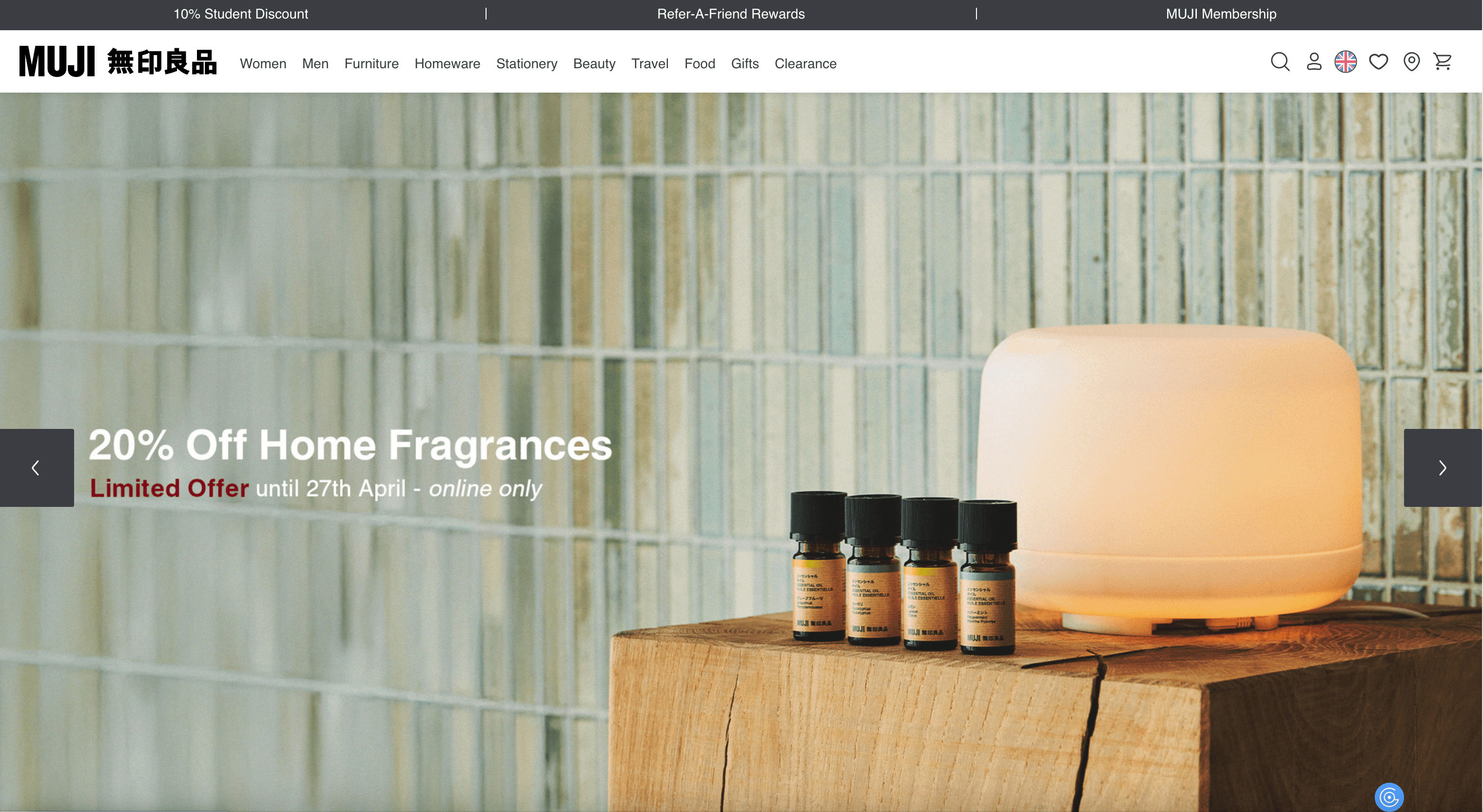
🛒 What can you scrape with MUJI Scraper
Scrapebit’s MUJI Scraper is built for flexibility and speed. Whether you need a full product catalog or in-depth details for a single SKU, you can get it in four simple steps. Below, you’ll find two common use cases and the data you can extract.
🗂️ Scrape MUJI SKU Listings Page
With the MUJI SKU Listings Page Scraper, you can extract a complete list of products from any category or search results page. This is ideal for building product databases, price monitoring, or competitive analysis.
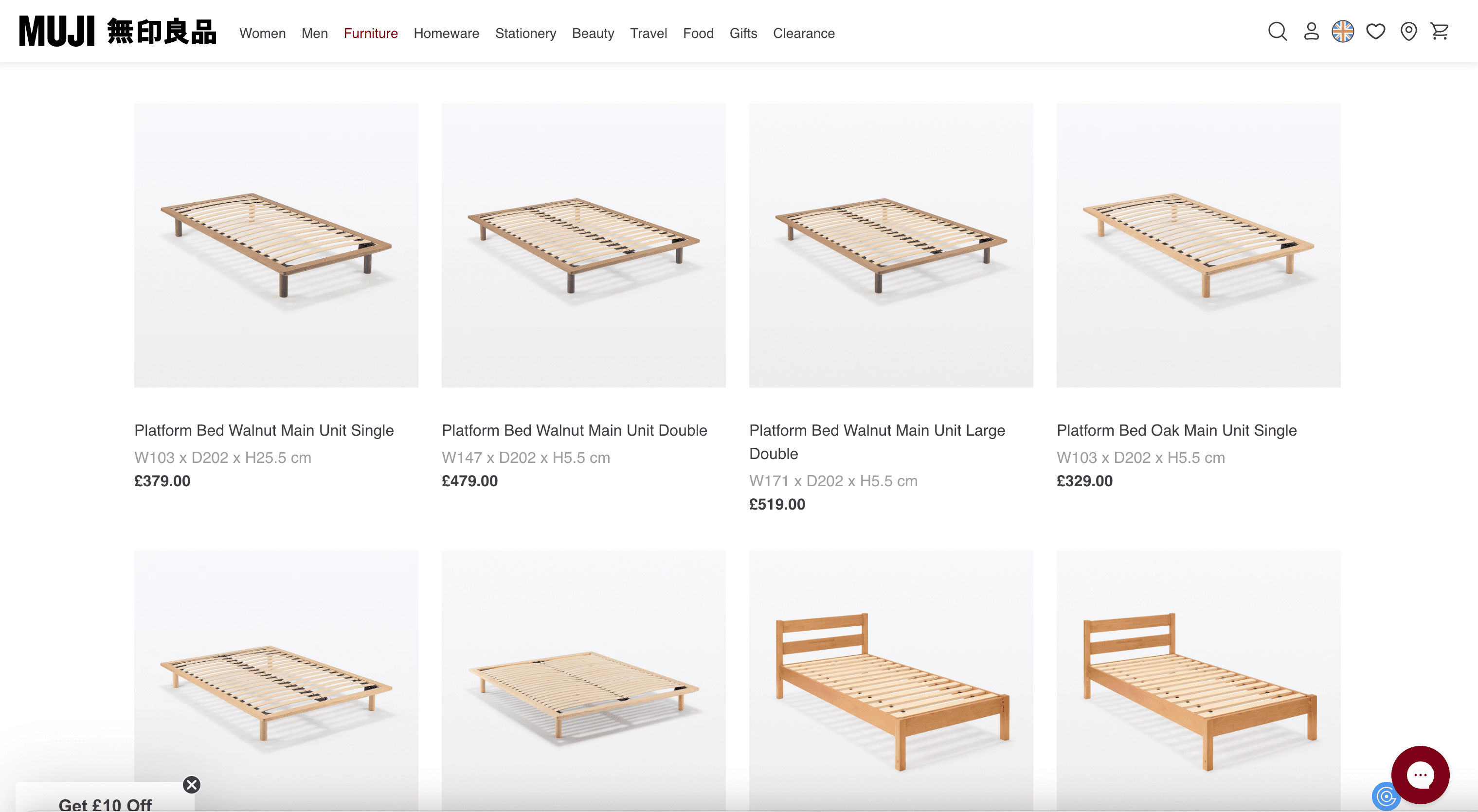
Steps:
- Download Scrapebit (as a Web App or Chrome Extension) and register your account.
- Go to the destination page, for example: MUJI Beds Listings.
- Click AI Suggest Columns—Scrapebit’s AI will recommend the best columns for the page.
- Click Scrape to extract the data and download your file.
Column names
🔍 Scrape MUJI SKU Details Page
The MUJI SKU Details Page Scraper lets you extract all the granular details for a specific product. This is perfect for deep product research, content analysis, or catalog management.
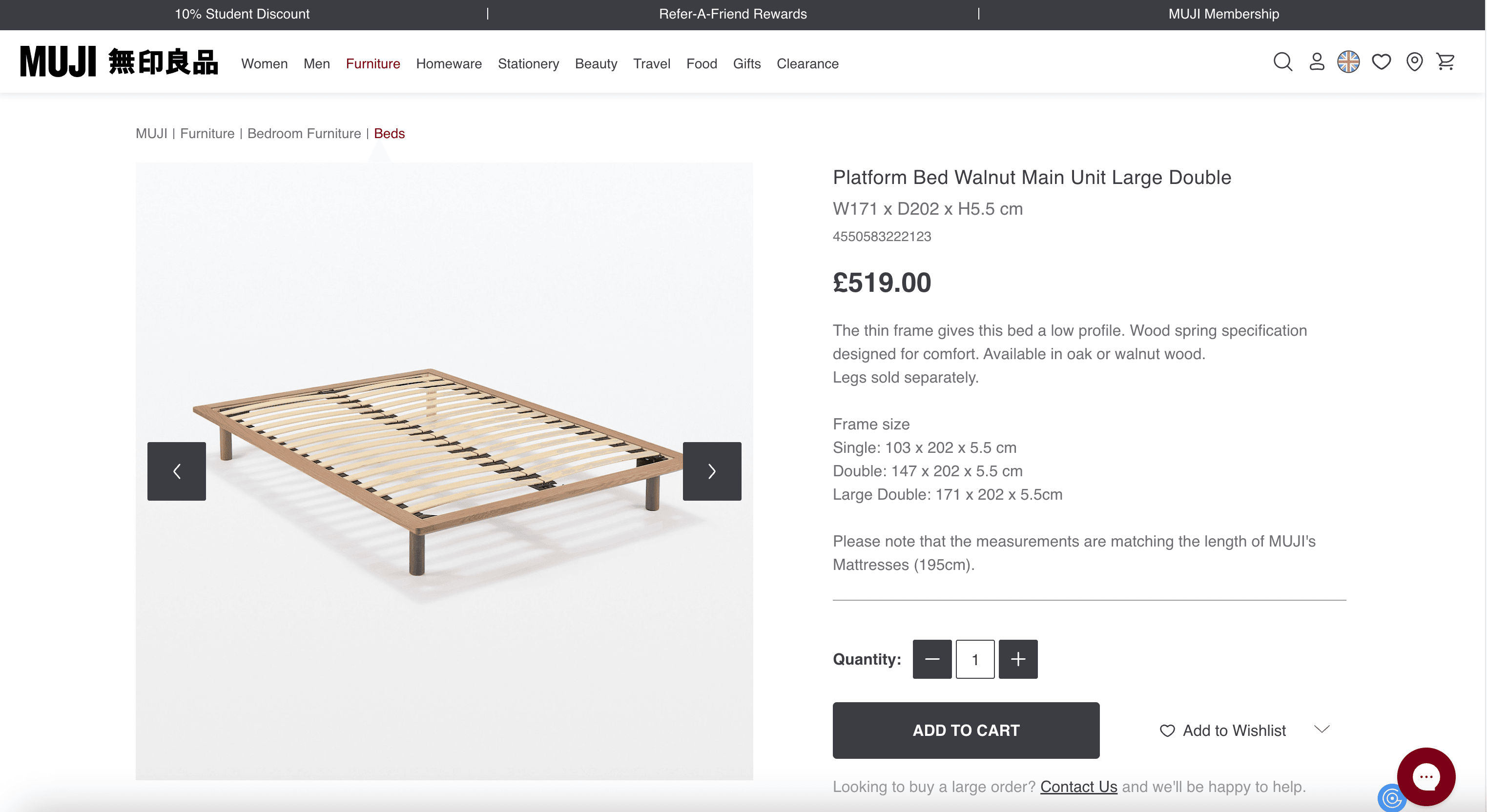
Steps:
- Download Scrapebit (as a Web App or Chrome Extension) and register your account.
- Go to the destination page, for example: MUJI Platform Bed Walnut Detail.
- Click AI Suggest Columns—Scrapebit’s AI will analyze the page and suggest the most relevant columns.
- Click Scrape to extract the data and download your file.
Column names
💡 Why Use MUJI Scraper Tool
Scraping MUJI’s product data can unlock a range of benefits for different professionals:
- E-commerce teams: Build or update your product catalog, monitor prices, and track inventory.
- Market researchers: Analyze product trends, pricing strategies, and category performance.
- Content managers: Enrich your website or app with up-to-date product information and images.
By automating data collection with Scrapebit’s AI, you save time, reduce errors, and ensure your data is always current and structured for analysis.
🧩 How to Use MUJI Chrome Extension
- Install the Scrapebit Chrome Extension: Download from the Chrome Web Store and register your account.
- Navigate to MUJI Listings or Product Detail Page: Go to any MUJI category page or product detail page.
- Activate AI-Powered Scraper: Click AI Suggest Columns to let Scrapebit’s AI recommend the best columns, or customize them to fit your needs.
For a step-by-step guide, check out How to Scrape Website Data into Excel using AI and How to Scrape Public Web Pages Using AI.
💸 Pricing for MUJI Scraper
Scrapebit uses a credit-based system:
- 1 credit = 1 output row (e.g., 1 product or 1 SKU detail).
- Free Plan: Scrape up to 6 pages per month at no cost.
- Free Trial: Scrape up to 10 pages for free when you start your trial.
Paid Plans
You can upgrade for more credits and features. Yearly plans are discounted and offer the best value.
Tip: The yearly plan is more cost-effective and is currently discounted.
See all options on the Scrapebit Pricing page.
❓ FAQ
-
What is the AI Powered MUJI Scraper?
The AI Powered MUJI Scraper is a tool that uses artificial intelligence to extract product listings and detailed SKU information from MUJI’s UK website. It structures the data into columns, making it easy to analyze or import into your own systems. -
What is Scrapebit?
Scrapebit is an AI-driven Chrome Extension that automates web scraping, data extraction, and productivity tasks. It’s designed for business users who want to save time and reduce manual work when collecting data from websites. -
How do I get started with the MUJI Scraper?
Simply install Scrapebit (as a Web App or Chrome Extension), register your account, and navigate to any MUJI page you want to scrape. Use the AI Suggest Columns feature to set up your data extraction in seconds. -
What data can I extract from MUJI?
You can extract product names, prices, SKUs, images, categories, descriptions, dimensions, stock status, and direct URLs. The AI will suggest the most relevant columns based on the page you’re scraping. -
How does the credit system work?
Each output row (e.g., one product or SKU) costs one credit. Free users get 6 pages per month, and trial users get 10 pages for free. Paid plans offer more credits for higher-volume needs. -
Can I customize the columns I want to scrape?
Yes, Scrapebit’s AI will suggest columns, but you can adjust or add columns to fit your specific requirements before scraping. -
Is there a limit to how many products I can scrape at once?
The MUJI Scraper can handle up to 500 rows per run, making it suitable for both small and large product catalogs. -
Is it safe and legal to use Scrapebit for scraping MUJI?
Scrapebit is designed to respect website terms and privacy. Always ensure your use complies with MUJI’s terms of service and local regulations. -
Where can I learn more about web scraping and Scrapebit’s features?
Visit the Scrapebit Blog for tutorials and best practices, including What Is Data Scraping and How to Do It in 2025, The Best Web Scraping Tools & Software in 2025, and How to Scrape Public Web Pages Using AI.
📚 Learn More
- Scrapebit Official Website
- Download Scrapebit Chrome Extension
- Scrapebit Pricing
- Scrapebit Blog
- How to Scrape Website Data into Excel using AI
- How to Scrape Public Web Pages Using AI
- Scrapebit YouTube Channel
With Scrapebit’s AI-Powered MUJI Scraper, you can collect, analyze, and manage MUJI product data faster and more accurately than ever before. Try it today and see how much time you can save.
Ready to use this template?
Install the Scrapebit Chrome extension and start scraping in minutes.