
Mannings Scraper
Scrapebit's Mannings Scraper uses AI to help you extract product listings and detailed SKU information from Mannings in just a few clicks. Perfect for sales, marketing, and e-commerce teams looking to collect structured data quickly and efficiently.
Scrapebit’s AI-Powered Mannings Scraper transforms how you collect product data from Mannings. With Scrapebit — available as a Web App or Chrome Extension —, you can use AI to structure and extract product listings, SKU details, and more—making it ideal for sales, marketing, and e-commerce teams who need fast, accurate data for analysis or operations.
🛒 What is Mannings Scraper
The Mannings Scraper is an AI Web Scraper designed to help you extract structured data from Mannings—one of Hong Kong’s leading health and beauty retailers. Powered by Scrapebit’s AI, you simply navigate to any Mannings page, click AI Suggest Columns, and then hit Scrape to download the data you need. No coding or manual copy-pasting required.
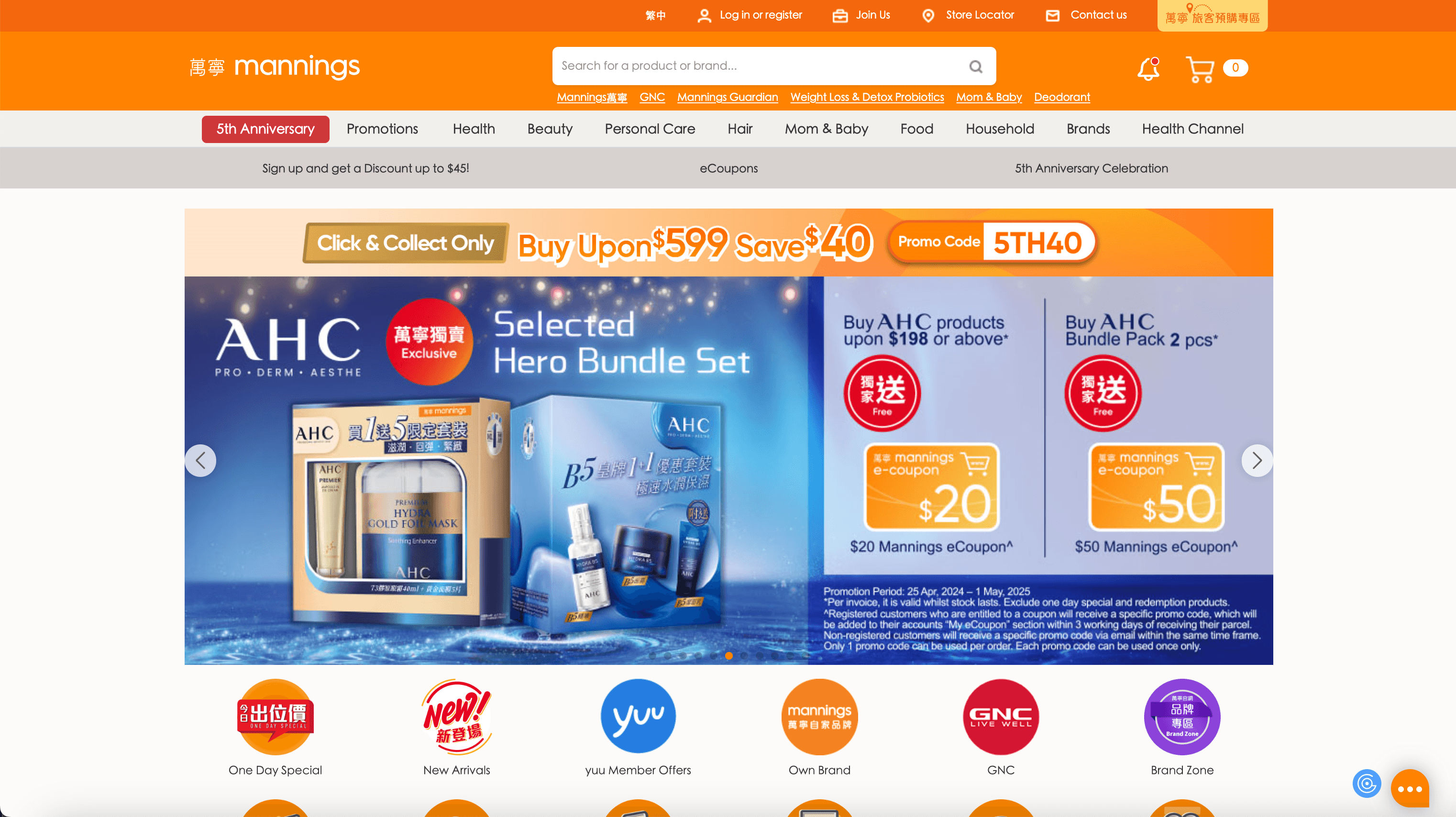
Scrapebit’s AI reads the page, understands the content, and automatically suggests the best columns for your dataset. You can then adjust the columns as needed before exporting your results.
📦 What can you scrape with Mannings Scraper
Scrapebit’s Mannings Scraper is perfect for extracting both product listings and detailed SKU information. Here’s how you can use it for two common scenarios:
🗂️ Scrape SKU Listings Page
With Scrapebit, you can extract all product listings from a Mannings category page in just a few clicks. This is ideal for building product databases, price monitoring, or market research.
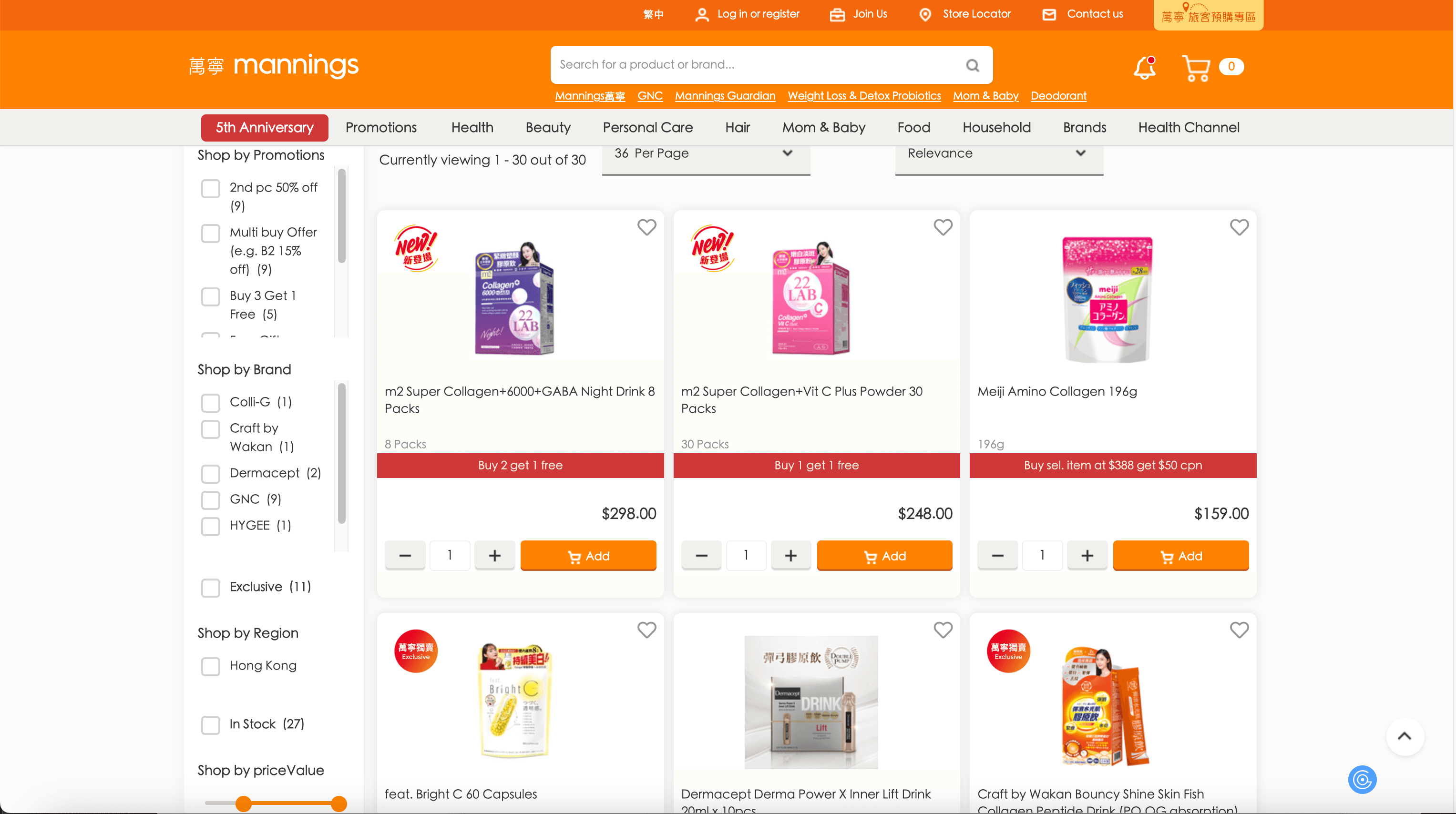
Steps:
- Download Scrapebit (as a Web App or Chrome Extension) and register your account.
- Go to the destination page, for example: Mannings Beauty Supplements Category.
- Click AI Suggest Columns—Scrapebit’s AI will recommend the best columns for product listings.
- Click Scrape to run the scraper, get your data, and download the file.
Column names
🔍 Scrape SKU Details Page
Need more granular data? Scrapebit lets you extract detailed information from any Mannings product detail page. Perfect for cataloging, competitive analysis, or content analysis.
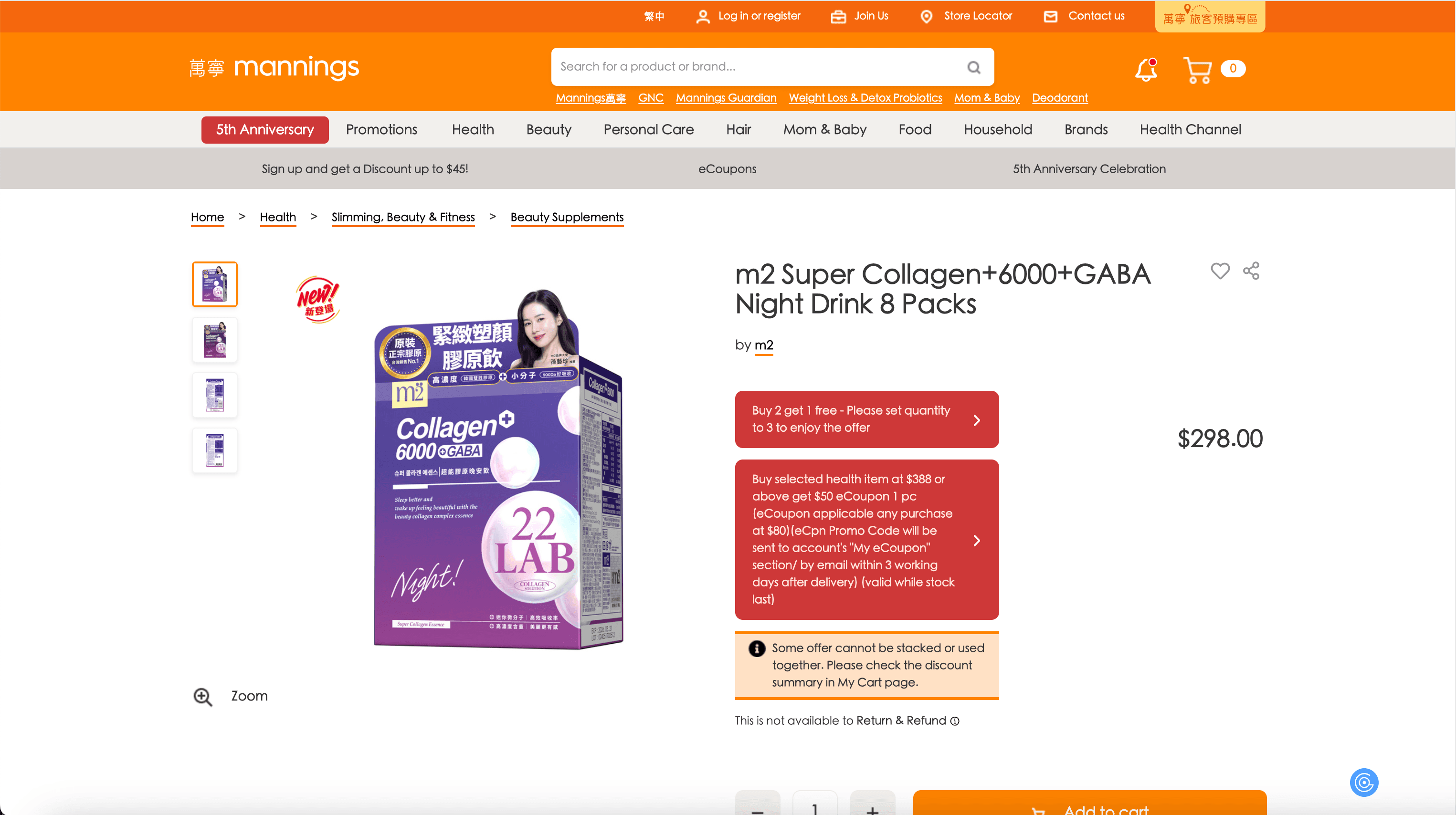
Steps:
- Download Scrapebit (as a Web App or Chrome Extension) and register your account.
- Go to the destination page, for example: M2 Super Collagen 6000GABA Night Drink.
- Click AI Suggest Columns—Scrapebit’s AI will recommend the best columns for product details.
- Click Scrape to run the scraper, get your data, and download the file.
Column names
💡 Why Use Mannings Scraper Tool
Scraping Mannings data with Scrapebit unlocks a range of benefits for different professionals:
- E-commerce teams: Build and update product catalogs, monitor competitor pricing, and analyze product trends.
- Data analysts: Gather structured datasets for price comparison, inventory analysis, or business intelligence.
- Retailers & distributors: Track product availability, pricing, and new arrivals for supply chain optimization.
With Scrapebit’s AI, you save hours of manual work and reduce errors, letting you focus on insights and strategy.
🧩 How to Use Mannings Chrome Extension
- Install the Scrapebit Chrome Extension: Download from the Chrome Web Store and register your account.
- Navigate to a Mannings Listings or Product Detail Page: Go to any Mannings category or product page.
- Activate AI-Powered Scraper: Click AI Suggest Columns to let Scrapebit’s AI recommend the best columns, or customize them to fit your needs.
- Click Scrape: Download your structured data in seconds.
For more tips, check out How to Scrape Website Data into Excel using AI and The Easiest Way to Scrape Website to Excel.
💰 Pricing for Mannings Scraper
Scrapebit uses a credit-based system:
- 1 credit = 1 output row (e.g., 1 product scraped = 1 credit).
- Free tier: Scrape up to 6 pages per month.
- Free trial: Scrape up to 10 pages for free when you start your trial.
Paid Plans
Tip: The yearly plan offers the best value and is currently discounted—perfect for teams or frequent users.
See full details on the Scrapebit Pricing page.
❓ FAQ
-
What is the AI Powered Mannings Scraper?
The AI Powered Mannings Scraper is a tool built into the Scrapebit Chrome Extension that lets you extract product listings and detailed SKU information from Mannings. It uses AI to automatically detect and structure the data, so you can download it in a ready-to-use format for your business needs. -
What is Scrapebit?
Scrapebit is an AI web scraping and productivity platform that helps you automate data extraction, form filling, and content summarization on publicly accessible webpages. It’s designed for business users who want to save time and reduce manual work, with a focus on ease of use and powerful AI features. Learn more at the Scrapebit Official Website. -
How do I get started with the Mannings Scraper?
Simply install Scrapebit (as a Web App or Chrome Extension), register your account, and navigate to any Mannings page you want to scrape. Use the AI Suggest Columns feature to set up your columns, then click Scrape to download your data. -
What kind of data can I extract from Mannings?
You can extract product names, prices, images, SKU codes, categories, detailed descriptions, package sizes, and more. Scrapebit’s AI will suggest the most relevant columns based on the page you’re scraping, and you can customize them as needed. -
How many products can I scrape for free?
On the free plan, you can scrape up to 6 pages per month. If you start a free trial, you can scrape up to 10 pages before needing to upgrade to a paid plan. Each product or row scraped counts as one credit. -
Is the AI Suggest Columns feature really automatic?
Yes, Scrapebit’s AI reads the page and recommends the best columns for your dataset. You can accept the suggestions or adjust them to fit your specific needs, making the process both smart and flexible. -
Can I export the scraped data to Excel or CSV?
Absolutely. After scraping, you can download your data as an Excel or CSV file, making it easy to import into your workflow or analytics tools. For more, see How to Scrape Website Data into Excel using AI. -
Is Scrapebit suitable for non-technical users?
Yes, Scrapebit is designed for everyone—from business professionals to e-commerce managers—without any coding required. The interface is intuitive, and the AI handles the technical details for you. -
Where can I learn more about web scraping and Scrapebit’s features?
Check out the Scrapebit Blog for guides like What Is Data Scraping and How to Do It in 2025, The Best Web Scraping Tools & Software in 2025, and How to Scrape Public Web Pages Using AI.
📚 Learn More
- Scrapebit Official Website
- Download Scrapebit Chrome Extension
- Scrapebit Pricing
- Scrapebit Blog
- How to Scrape Website Data into Excel using AI
- What Is List Crawling and How to Do It Using AI
- The Best Web Scraping Tools & Software in 2025
- Scrapebit YouTube Channel
Ready to start scraping Mannings?
Install Scrapebit Chrome Extension now and let AI do the heavy lifting for your data projects.
Ready to use this template?
Install the Scrapebit Chrome extension and start scraping in minutes.