
IMDb Scraper
Scrapebit's IMDb Scraper uses AI to extract movie details, ratings, cast information, and actor profiles from IMDb in just a few clicks. Export structured data to Excel, Google Sheets, Airtable, or Notion for research, content creation, or entertainment analytics.
Scrapebit’s AI-Powered IMDb Scraper transforms the way you collect and organize movie and actor data from IMDb. With advanced AI, you can extract structured information—like film details, ratings, cast lists, and actor profiles—in just a couple of clicks. Export your data directly to Excel, Google Sheets, Airtable, or Notion for research, content creation, or entertainment analytics.
🎬 What is IMDb Scraper
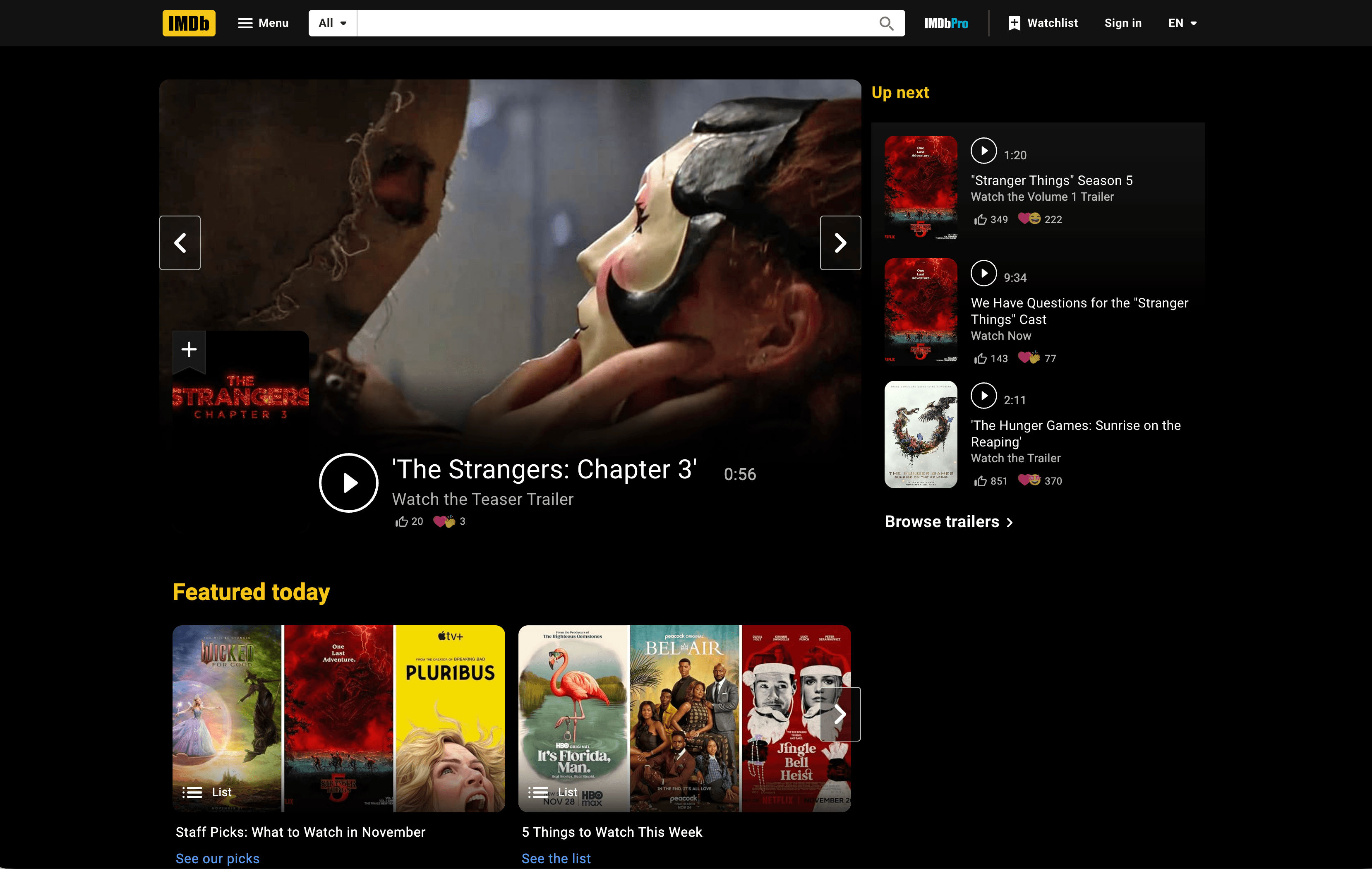
The IMDb Scraper by Scrapebit is an AI Web Scraper designed to help you extract data from IMDb: Ratings, Reviews, and Where to Watch the Best Movies & TV Shows with minimal effort. With Scrapebit — available as a Web App or Chrome Extension —, you simply navigate to any IMDb page, click AI Suggest Columns, and then hit Scrape—the AI structures the data for you, ready for export.
🍿 What can you scrape with IMDb Scraper
Scrapebit’s IMDb Scraper is perfect for anyone who needs structured movie or actor data—whether you’re a film researcher, content creator, or entertainment analyst. Here’s how you can use it for two of the most popular IMDb use cases:
🎥 Scrape IMDb Movie Detail Page
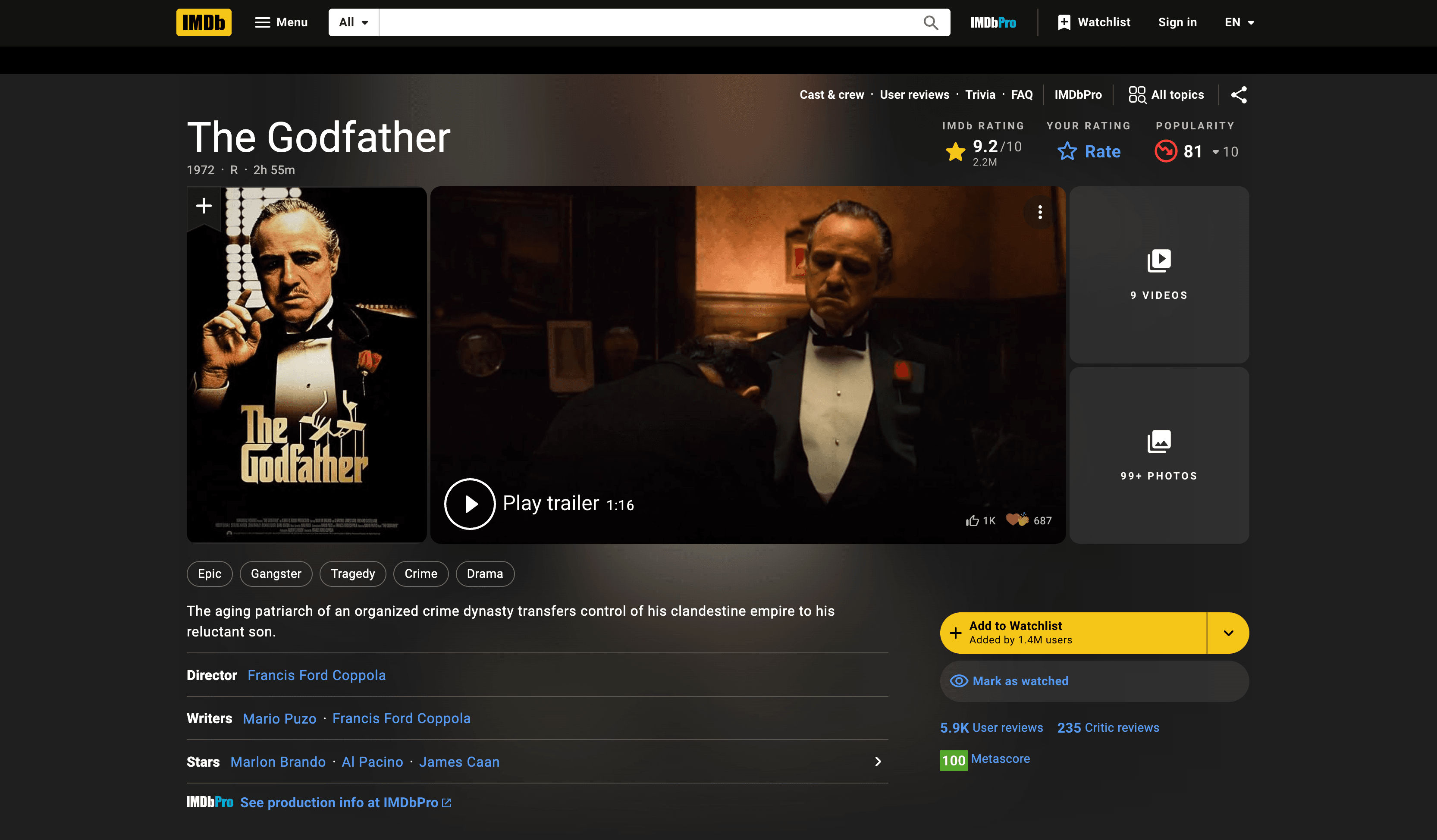
With Scrapebit, you can extract comprehensive details from any IMDb movie detail page—including title, release year, genre, director, cast, ratings, and more.
Steps:
- Download the Scrapebit Chrome Extension and register an account.
- Go to the destination page, for example: The Godfather IMDb Page.
- Click AI Suggest Columns—Scrapebit’s AI will recommend the best column names for your data.
- Click Scrape to run the scraper, get your data, and download the file.
Column names
🌟 Scrape IMDb Actor Profile Page
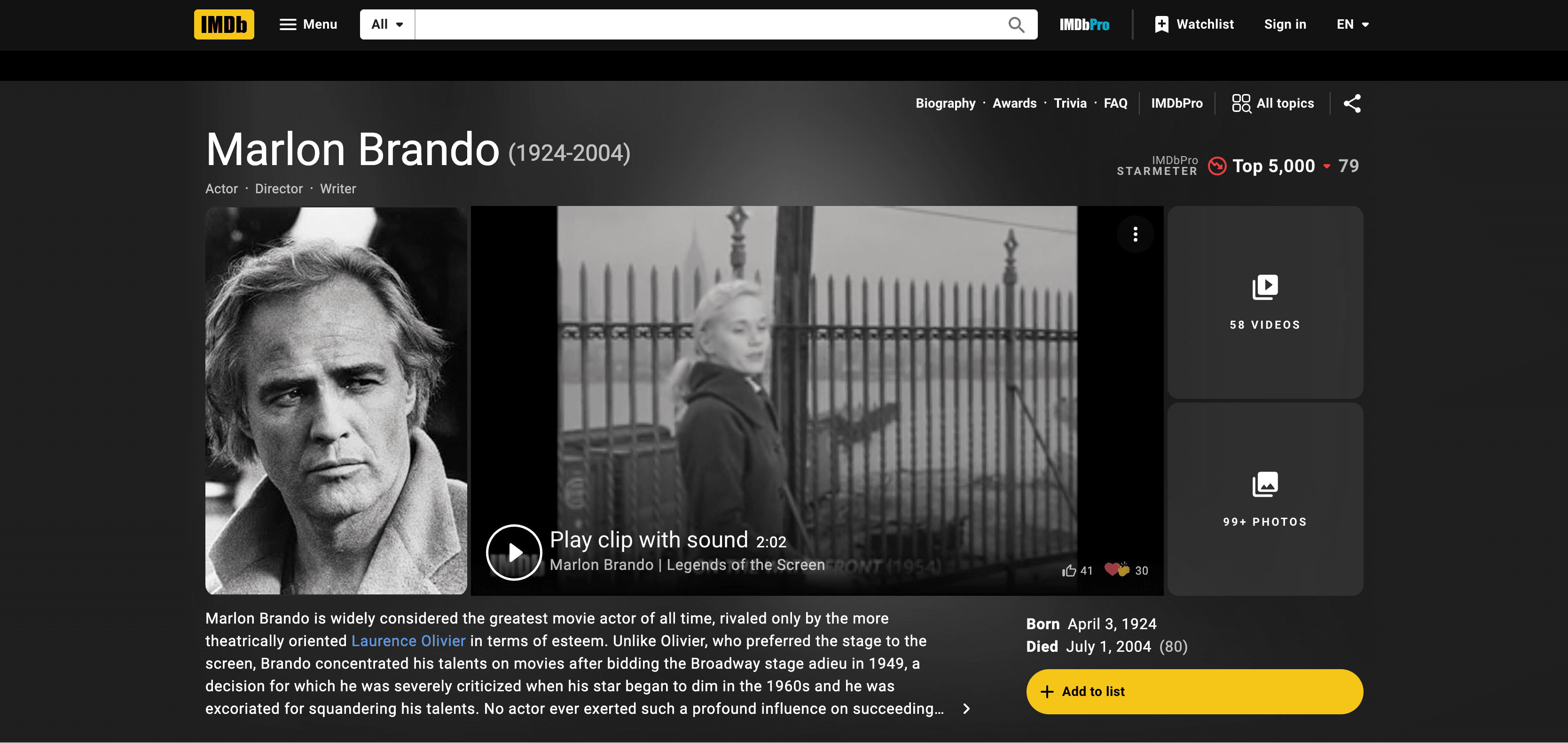
Scrapebit also lets you extract detailed information from any IMDb actor profile page—including name, biography, filmography, awards, and more.
Steps:
- Download the Scrapebit Chrome Extension and register an account.
- Go to the destination page, for example: Marlon Brando IMDb Profile.
- Click AI Suggest Columns to let Scrapebit’s AI recommend the best columns for actor data.
- Click Scrape to extract the data and download your file.
Column names
🎯 Why Use IMDb Scraper Tool
Scraping IMDb data is invaluable for:
- Film Researchers & Academics: Gather large datasets for analysis, trend spotting, or academic projects.
- Content Creators & Journalists: Quickly collect movie or actor facts for articles, videos, or social media.
- Entertainment Analysts: Monitor ratings, cast changes, or award histories for industry insights.
- Developers & Data Scientists: Build movie recommendation engines, dashboards, or entertainment databases.
Scrapebit’s AI-powered approach means you don’t need to write code or maintain scripts—just point, click, and export structured data.
🛠️ How to Use IMDb Chrome Extension
- Install the Scrapebit Chrome Extension: Download here and register your account.
- Navigate to IMDb Movie or Actor Page: Go to any movie detail or actor profile page on IMDb.
- Activate AI-Powered Scraper: Click AI Suggest Column to generate column names or customize columns to meet your needs.
For more tips, check out How to Scrape Public Web Pages Using AI and How to Scrape Website Data into Excel using AI.
💵 Pricing for IMDb Scraper
Scrapebit uses a credit-based system—1 credit = 1 output row. The AI-powered IMDb Scraper is free to try, and you can scrape 6 pages per month on the Free Plan. Start a free trial to scrape 10 pages for free before choosing a paid plan.
Paid Plans
- Starter: $15/month (500 credits) or $9/month billed yearly ($108/year, 5,000 credits)
- Pro 1: $38/month (3,000 credits) or $16.5/month billed yearly ($199/year, 30,000 credits)
- Pro 2: $75/month (6,000 credits) or $33.8/month billed yearly ($398/year, 60,000 credits)
- Pro 3: $125/month (10,000 credits) or $68.4/month billed yearly ($796/year, 120,000 credits)
- Pro 4: $249/month (20,000 credits) or $137.5/month billed yearly ($1,592/year, 240,000 credits)
Yearly plans offer significant savings—see full pricing details.
❓ FAQ
-
What is the AI Powered IMDb Scraper?
The AI Powered IMDb Scraper is a tool that uses artificial intelligence to extract structured data from IMDb pages, such as movie details, ratings, cast lists, and actor profiles. It simplifies the process of collecting entertainment data for research, content creation, or analytics.
-
What is Scrapebit?
Scrapebit is an AI web scraping platform and Chrome Extension that helps you extract, structure, and export data from publicly accessible webpages—including IMDb—without coding. It’s designed for business users, researchers, and anyone who needs web data in a structured format.
-
How do I get started with the IMDb Scraper?
Simply install the Scrapebit Chrome Extension, register an account, and navigate to any IMDb page. Use the AI Suggest Columns feature to set up your data extraction, then click Scrape.
-
What data can I extract from IMDb?
You can extract movie titles, release years, genres, directors, ratings, plot summaries, cast lists, awards, poster images, actor names, biographies, filmographies, and more. The AI structures the data for easy export.
-
Can I export IMDb data to Excel or Google Sheets?
Yes, Scrapebit lets you export scraped data directly to Excel, Google Sheets, Airtable, Notion, or download as CSV/JSON. This makes it easy to analyze or share your data.
-
Is there a free trial for the IMDb Scraper?
Absolutely. You can scrape up to 6 pages per month on the Free Plan, or start a free trial to scrape 10 pages for free. This lets you test the tool before committing to a paid plan.
-
How does the credit system work?
Each output row of data costs 1 credit. For example, scraping a movie page with 10 cast members would use 10 credits if each cast member is a row. Paid plans offer more credits for higher-volume needs.
-
Can I scrape subpages, like cast or filmography lists?
Yes, Scrapebit’s Subpage Scraping feature allows you to automatically visit and extract data from linked subpages, such as full cast lists or actor filmographies, enriching your dataset with just a click.
-
Is it legal to scrape IMDb data?
Scraping publicly available data for personal or research use is generally allowed, but you should always review IMDb’s terms of service and ensure compliance with relevant laws and regulations. Scrapebit is designed to help you collect data responsibly.
📚 Learn More
- Scrapebit Official Website
- Scrapebit Blog
- What Is Data Scraping and How to Do It in 2025
- How to Scrape Public Web Pages Using AI
- How to Scrape Website Data into Excel using AI
- The Best Web Scraping Tools & Software in 2025
- Scrapebit YouTube Channel
Ready to get started? Download the Scrapebit Chrome Extension and unlock the power of AI-driven IMDb data extraction today.
Ready to use this template?
Install the Scrapebit Chrome extension and start scraping in minutes.