
Houzz Scraper
The Scrapebit Houzz Scraper lets you extract data from Houzz product listings and designer profiles in just a few clicks. Use AI-powered field suggestions to gather product names, prices, ratings, designer details, and contact information for research, marketing, or analysis. Ideal for interior designers, real estate professionals, and e-commerce teams.
The Scrapebit AI-Powered Houzz Scraper is a specialized tool designed to extract data from the Houzz website with precision and ease. By utilizing Scrapebit's Chrome Extension, users can transform website content into structured datasets, exporting data in just 2 clicks. This tool leverages AI to structure the data, making it an invaluable asset for professionals in real estate, interior design, and e-commerce.
🏠 What is Houzz Scraper
The Houzz Scraper is an AI Web Scraper that allows users to scrape data from the Houzz website using artificial intelligence. By simply navigating to the Houzz website, users can click on the AI Suggest Columns button and the Scrape button to extract valuable data efficiently.
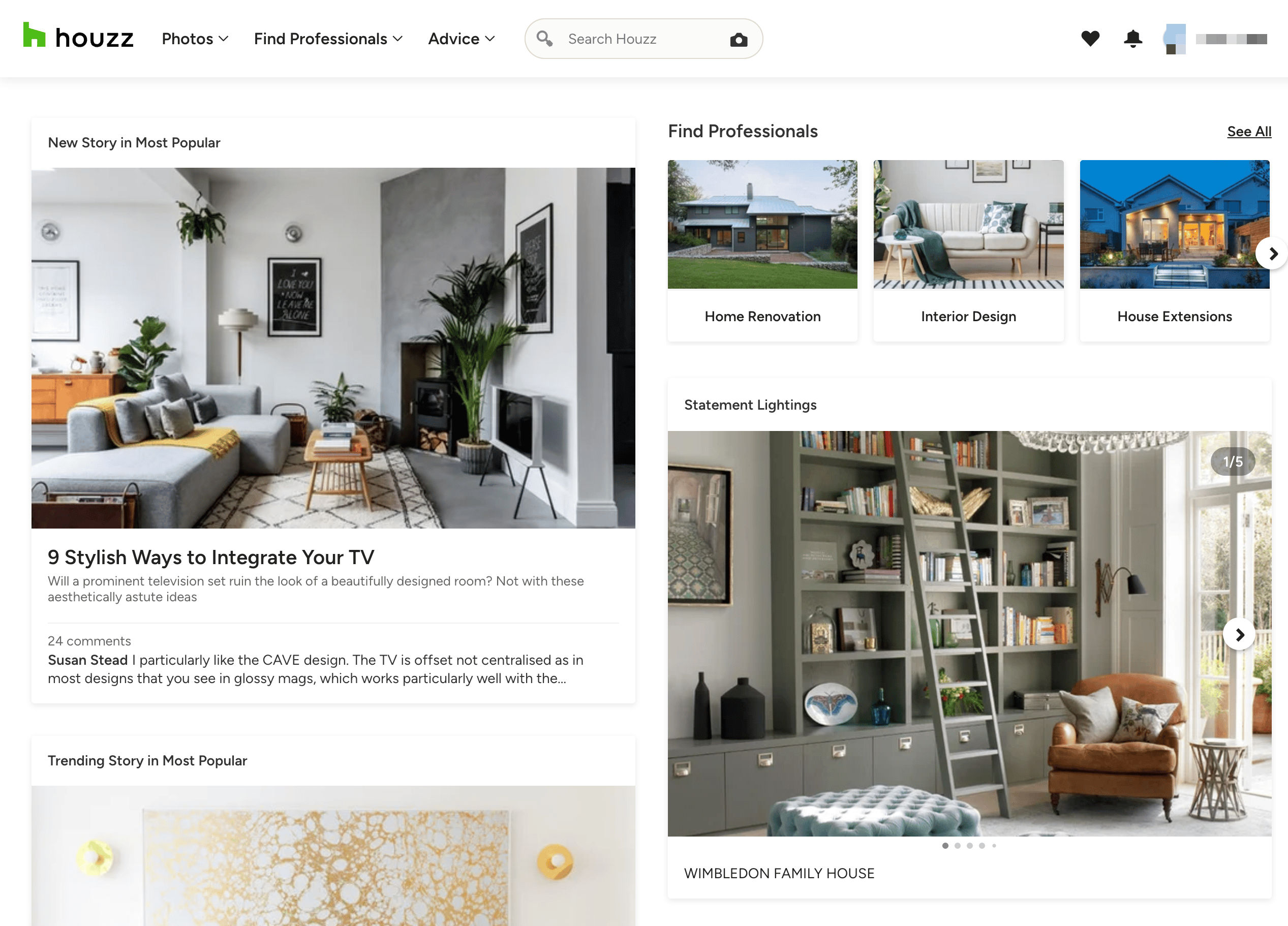
🔍 What can you scrape with Houzz Scraper
🛏️ Scrape Houzz Products Search Result
The AI-Powered Houzz scraper enables users to extract detailed information from any Houzz products search result. This feature is perfect for gathering insights about various products listed on Houzz.
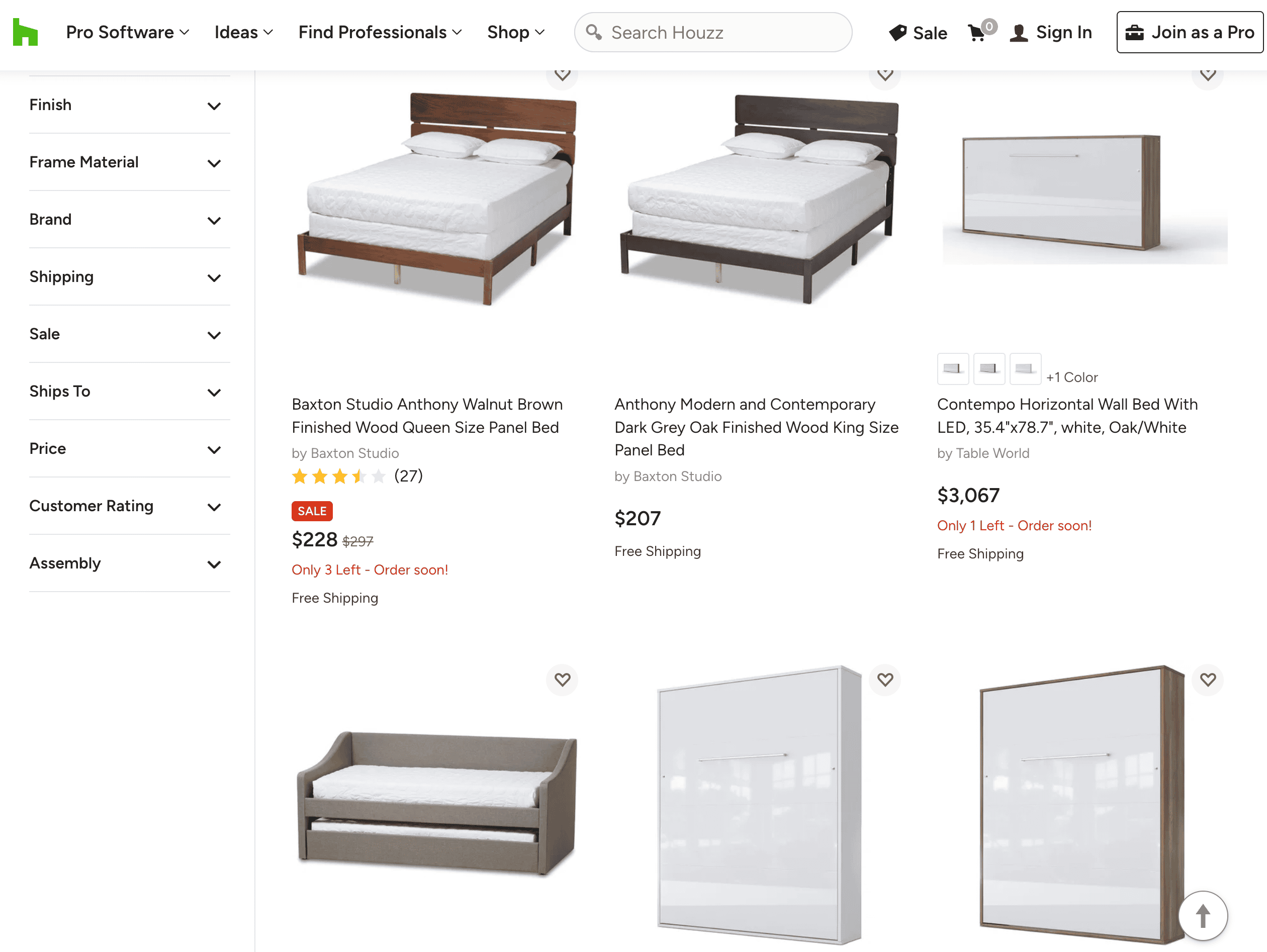
Steps:
- Sign up for Scrapebit — choose any access method: Web App for in-browser scraping, Chrome Extension to scrape any page you visit, or the REST API for automation.
- Go to the destination page, for example: Houzz Products Search Result.
- Click AI Suggest Columns, which AI reads the webpage and then recommends column names.
- Click Scrape to run the scraper, get data, and download the file.
Column Names
🛋️ Scrape Houzz Product Details
The AI-Powered Houzz scraper allows users to extract detailed information from any Houzz product details page. This feature is ideal for obtaining comprehensive product specifications and descriptions.
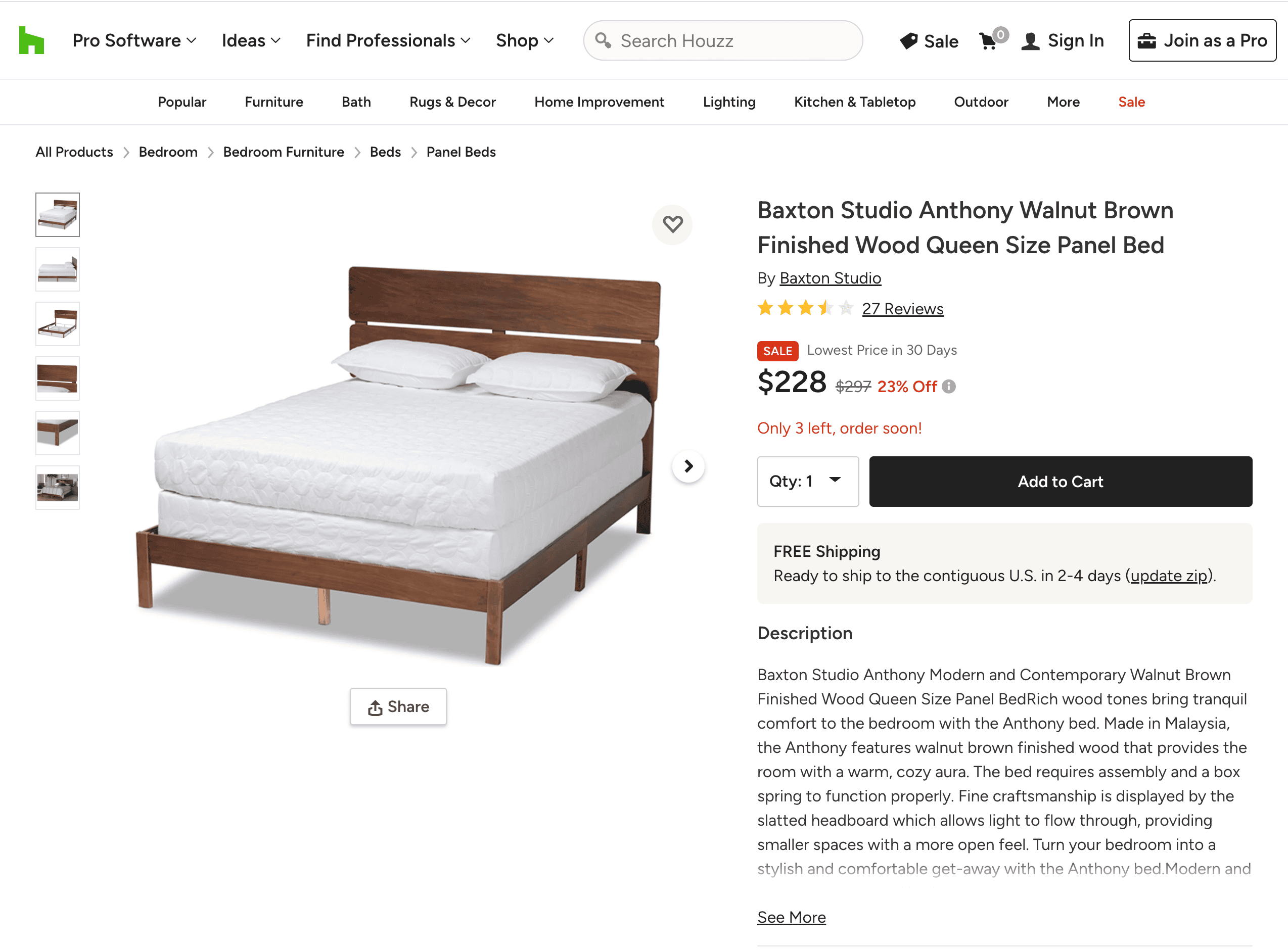
Steps:
- Sign up for Scrapebit — choose any access method: Web App for in-browser scraping, Chrome Extension to scrape any page you visit, or the REST API for automation.
- Go to the destination page, for example: Houzz Product Details.
- Click AI Suggest Columns, which AI reads the webpage and then recommends column names.
- Click Scrape to run the scraper, get data, and download the file.
Column Names
🏗️ Scrape Houzz Designers Search Result
The AI-Powered Houzz scraper enables users to extract detailed information from any Houzz designers search result. This feature is perfect for gathering insights about various designers listed on Houzz.
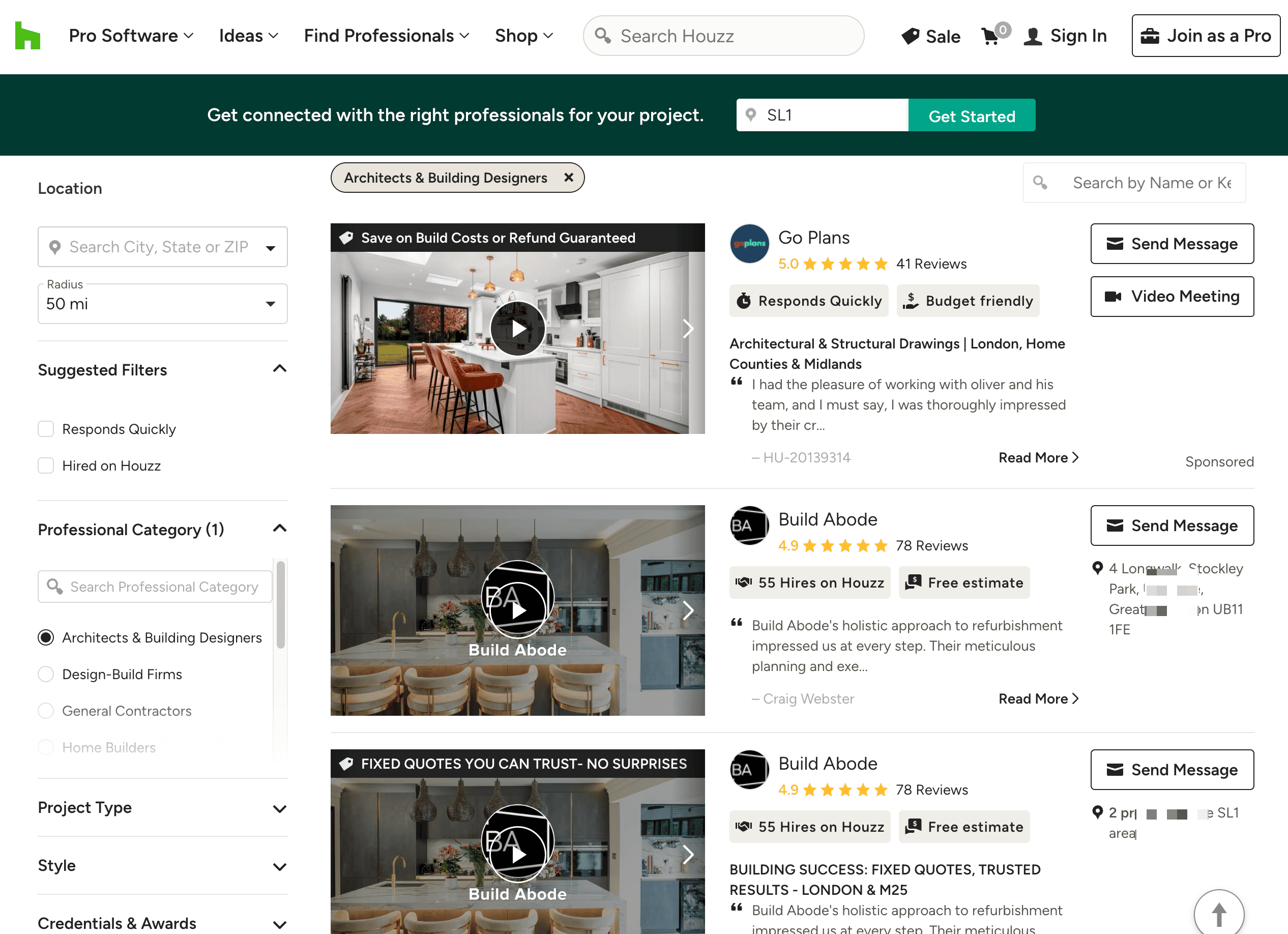
Steps:
- Sign up for Scrapebit — choose any access method: Web App for in-browser scraping, Chrome Extension to scrape any page you visit, or the REST API for automation.
- Go to the destination page, for example: Houzz Designers Search Result.
- Click AI Suggest Columns, which AI reads the webpage and then recommends column names.
- Click Scrape to run the scraper, get data, and download the file.
Column Names
🏢 Scrape Houzz Designer Details
The AI-Powered Houzz scraper allows users to extract detailed information from any Houzz designer details page. This feature is ideal for obtaining comprehensive information about designers and their projects.
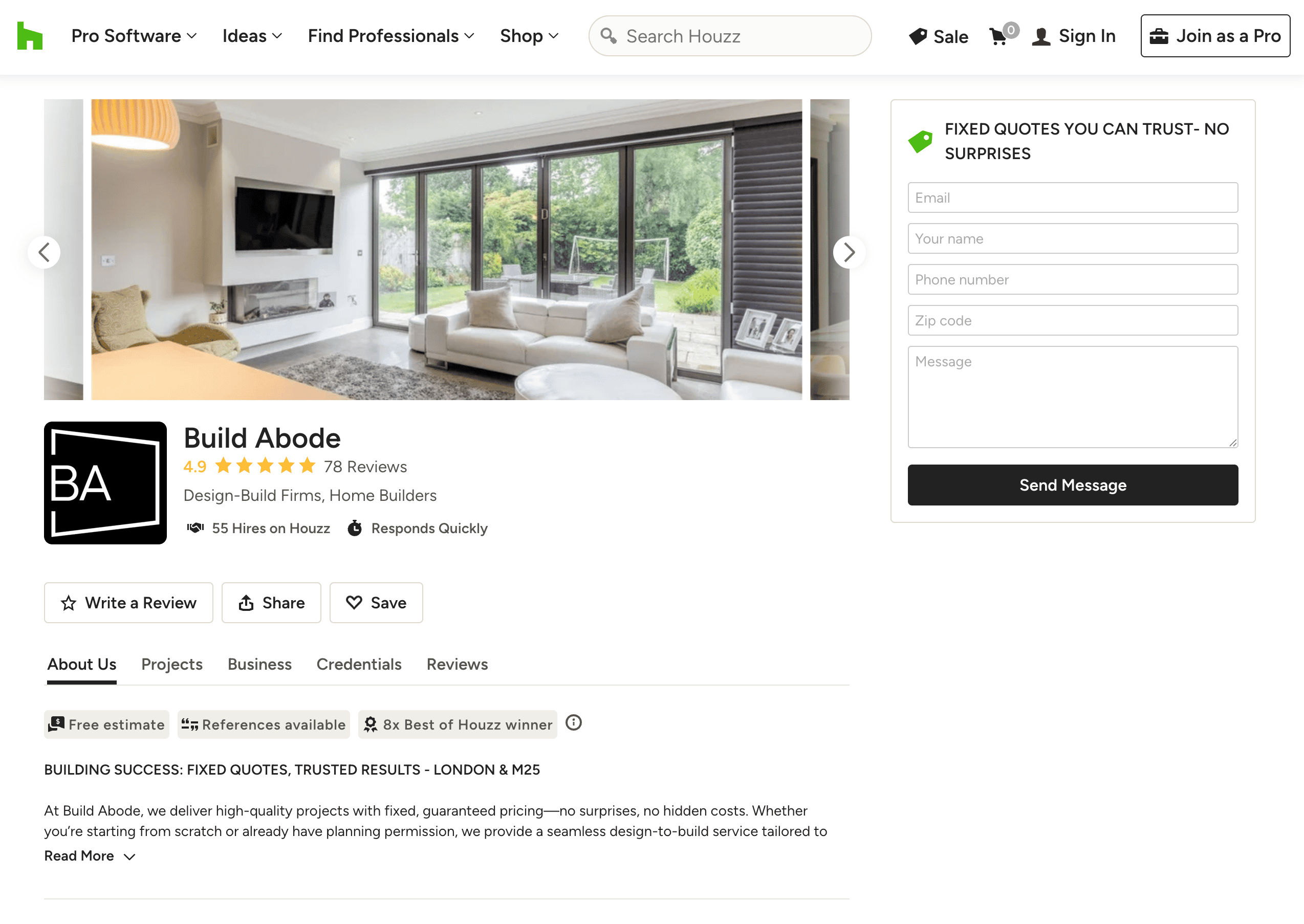
Steps:
- Sign up for Scrapebit — choose any access method: Web App for in-browser scraping, Chrome Extension to scrape any page you visit, or the REST API for automation.
- Go to the destination page, for example: Houzz Designer Details.
- Click AI Suggest Columns, which AI reads the webpage and then recommends column names.
- Click Scrape to run the scraper, get data, and download the file.
Column Names
🌟 Why Use Houzz Scraper Tool
Scraping Houzz can provide valuable insights for various purposes:
- Interior Designers: Analyze product trends and designer portfolios to enhance your projects.
- Real Estate Agents: Gather data on design trends and popular products to better serve clients.
- E-commerce Businesses: Extract product details and reviews to optimize your offerings.
- Researchers: Study design trends and consumer preferences for academic or market research.
By extracting accurate and well-organized data, you can make data-driven decisions and unlock new opportunities.
🛠️ How to Use Houzz Chrome Extension
- Install the Scrapebit Chrome Extension: Download the extension and register your account.
- Navigate to the Products or Designers Page: Go to the Houzz page you want to scrape.
- Activate AI-Powered Scraper: Click AI Suggest Column to generate column names or customize columns to meet your needs.
💰 Pricing for Houzz Scraper
Scrapebit operates on a credit-based system, where 1 credit equals 1 scraped row. The tool is free to try, and additional plans offer flexibility for both occasional and high-volume users.
Plans:
Free Features:
- 6 pages per month on the Free Plan.
- 10 pages for free with the Free Trial, perfect for exploring the scraper’s features.
❓ FAQ
-
What is the AI Powered Houzz Scraper?
The AI Powered Houzz Scraper is a specialized tool designed to extract detailed information from Houzz product listings, designer profiles, and search results. It streamlines data collection by leveraging Scrapebit's Chrome Extension, enabling users to quickly and easily gather structured data for research, marketing, or analysis without requiring technical expertise.
-
What is Scrapebit?
Scrapebit is a cutting-edge Chrome Extension that simplifies web scraping, data extraction, and automation tasks using artificial intelligence. It allows users to scrape data from websites, customize columns, autofill online forms, and summarize content. Scrapebit caters to professionals in marketing, e-commerce, research, and more by making tedious web-based tasks faster, easier, and more accurate.
-
How many products or designers can I scrape with the free trial?
With Scrapebit’s free trial, you can scrape up to 10 products or designer profiles for free. This allows users to explore the tool’s capabilities and decide if it meets their data extraction needs before upgrading to a paid plan.
-
Can I customize the columns and data fields to scrape?
Absolutely! Scrapebit offers robust customization options that let you specify the exact data fields you want to extract. From product details like names, prices, and ratings to designer information like names, locations, and contact details, the scraper adapts to your requirements.
-
How often can I run the scraper?
The frequency of running the scraper depends on your subscription plan and the number of credits available in your account. Higher-tier plans include more credits, allowing for larger-scale or more frequent data extractions. Users who need consistent access to the tool can upgrade to a premium plan for uninterrupted usage.
-
What happens if I run out of credits?
If you run out of credits, you can easily purchase additional credits on-demand or upgrade to a higher-tier subscription plan. This ensures that you have continuous access to the scraper’s features whenever you need them.
-
Is it legal to scrape Houzz products and designer profiles?
Scraping publicly accessible data from Houzz is generally permissible as long as you comply with applicable laws, respect privacy rights, and avoid violating Houzz’s terms of service. It is essential to use the data responsibly and ensure compliance with all relevant regulations to avoid potential issues.
-
What types of data can I extract from Houzz?
You can extract a variety of data from Houzz, including product names, prices, ratings, designer names, locations, and contact information. This data can be used for analysis, marketing strategies, and competitive research, providing valuable insights into the platform's offerings.
-
How does Scrapebit ensure data accuracy?
Scrapebit uses advanced AI algorithms to accurately extract and structure data from websites. The AI Suggest Columns feature helps ensure that the data is organized correctly, reducing the risk of errors and improving the overall quality of the extracted information.
📚 Learn More
For more information on how to use Scrapebit and its features, visit the Scrapebit Blog or check out our YouTube Channel for tutorials and tips.
Ready to use this template?
Install the Scrapebit Chrome extension and start scraping in minutes.