
Cruise Critic Scraper
The Scrapebit Cruise Critic Scraper lets you extract cruise listings and detailed itineraries from Cruise Critic in just a few clicks. Use AI-powered field suggestions to gather cruise names, prices, ship details, and day-by-day itineraries for research, travel planning, or analysis. Ideal for travel agents, analysts, and cruise enthusiasts.
The Scrapebit AI-Powered Cruise Critic Scraper is a Chrome extension that uses artificial intelligence to transform cruise listings and itinerary details from Cruise Critic into structured, downloadable data. With just a couple of clicks, you can extract cruise information, ship details, and itinerary data for research, marketing, or travel planning—no coding required.
🚢 What is Cruise Critic Scraper
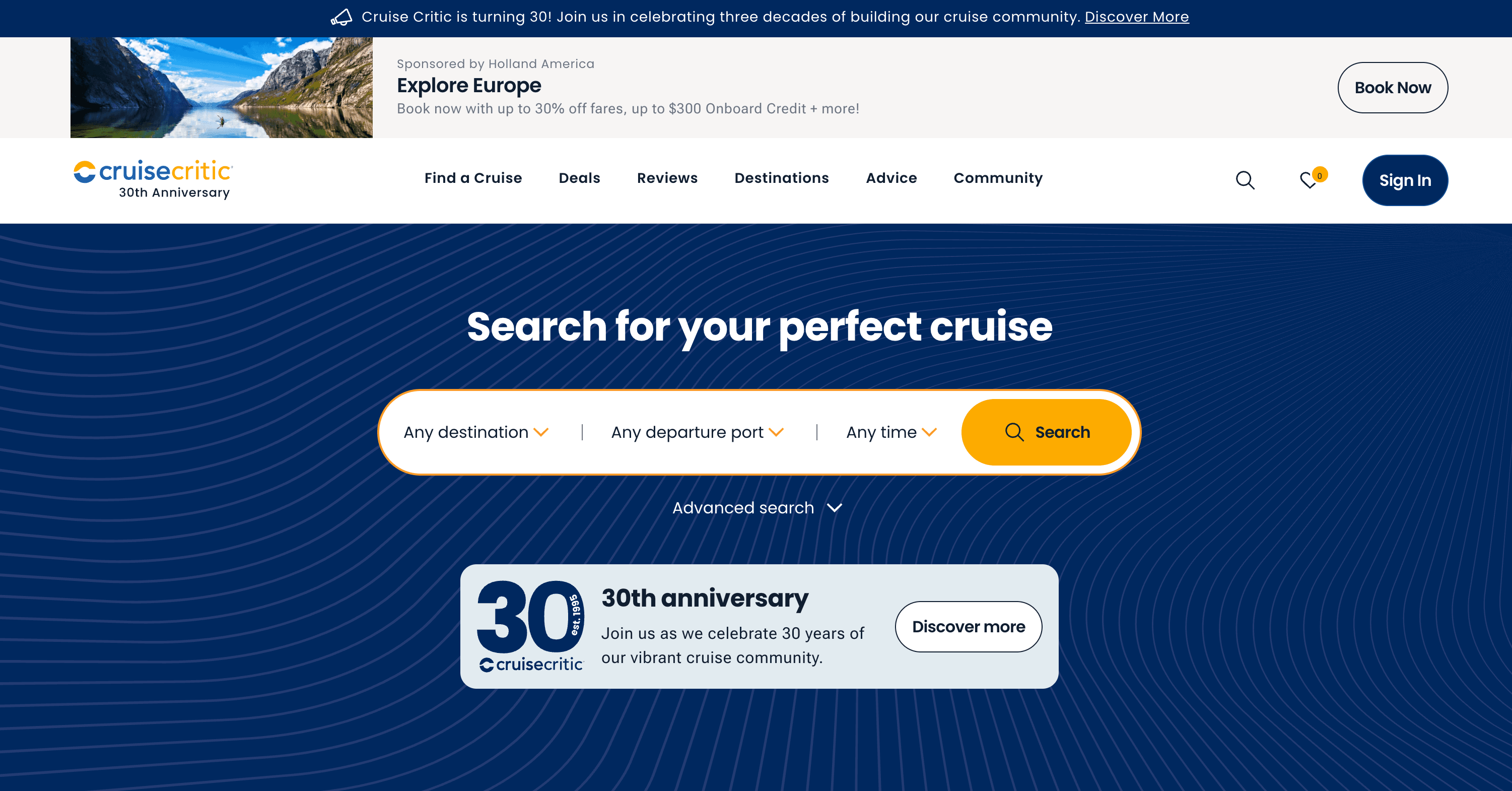
The Cruise Critic Scraper is an AI Web Scraper designed to help you extract data from Cruise Critic using advanced AI. By simply navigating to the Cruise Critic website, you can use Scrapebit (as a Web App or Chrome Extension) to automatically suggest relevant columns and scrape cruise listings or detailed itinerary information. The AI reads the page, structures the data, and lets you download it in your preferred format.
🌍 What can you scrape with Cruise Critic Scraper
Scrapebit’s AI-powered tool makes it simple to extract both high-level cruise listings and in-depth cruise details from Cruise Critic. Here’s how you can use it for two popular scenarios:
🛳️ Scrape Cruise Search Result Page
With this use case, you can extract a list of cruises from the Cruise Critic search results page. This is ideal for travel agents, researchers, or anyone comparing multiple cruise options.
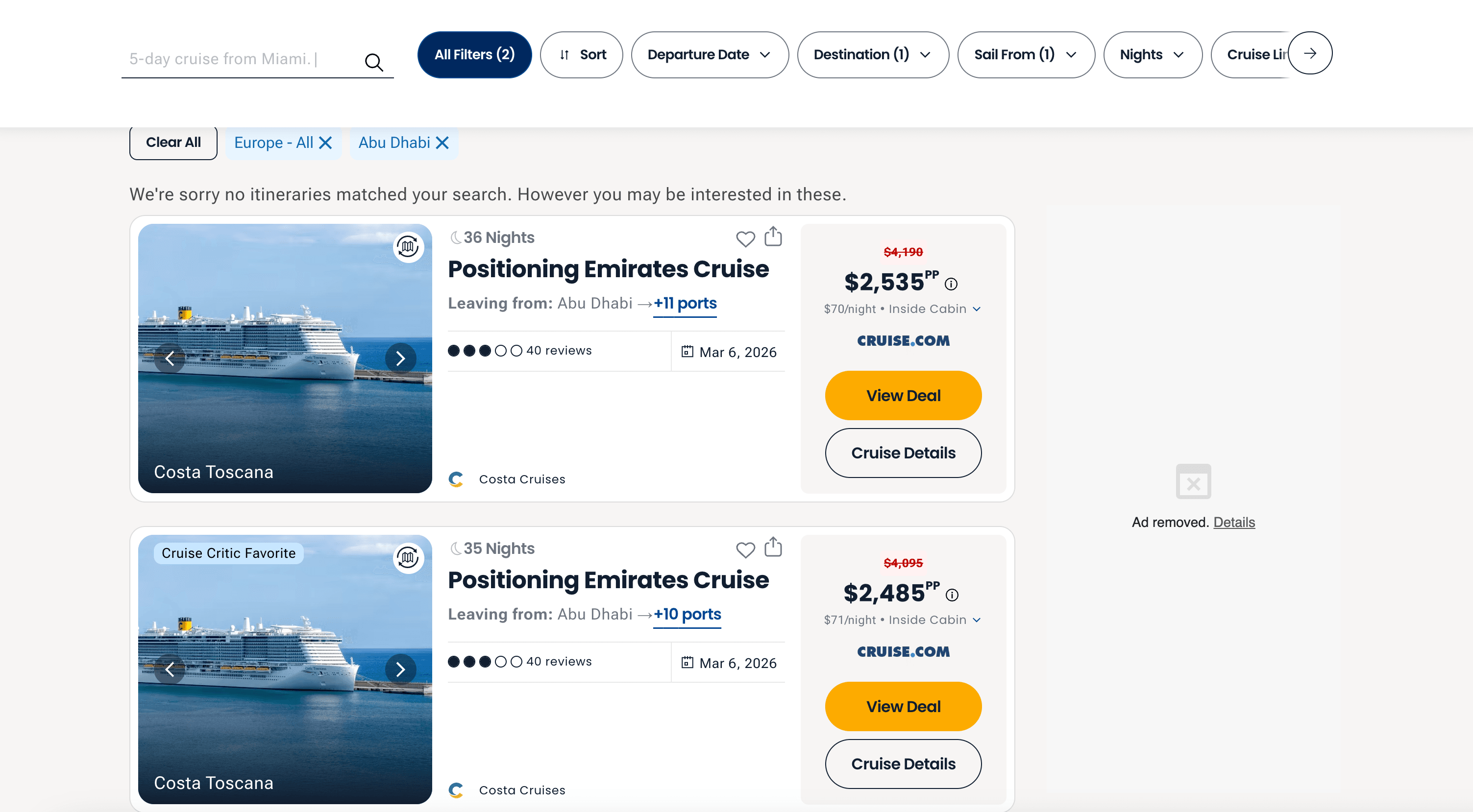
Steps:
- Sign up for Scrapebit — choose any access method: Web App for in-browser scraping, Chrome Extension to scrape any page you visit, or the REST API for automation.
- Go to the Cruise Critic search results page.
- Click AI Suggest Columns to let the AI recommend the best columns for cruise listings.
- Click Scrape to extract the data and download your file.
Column names
📝 Scrape Cruise Details Page
This use case lets you extract detailed information from a specific Cruise Critic itinerary page, including ship details, day-by-day itineraries, etc. Perfect for travel bloggers, cruise planners, or data analysts.
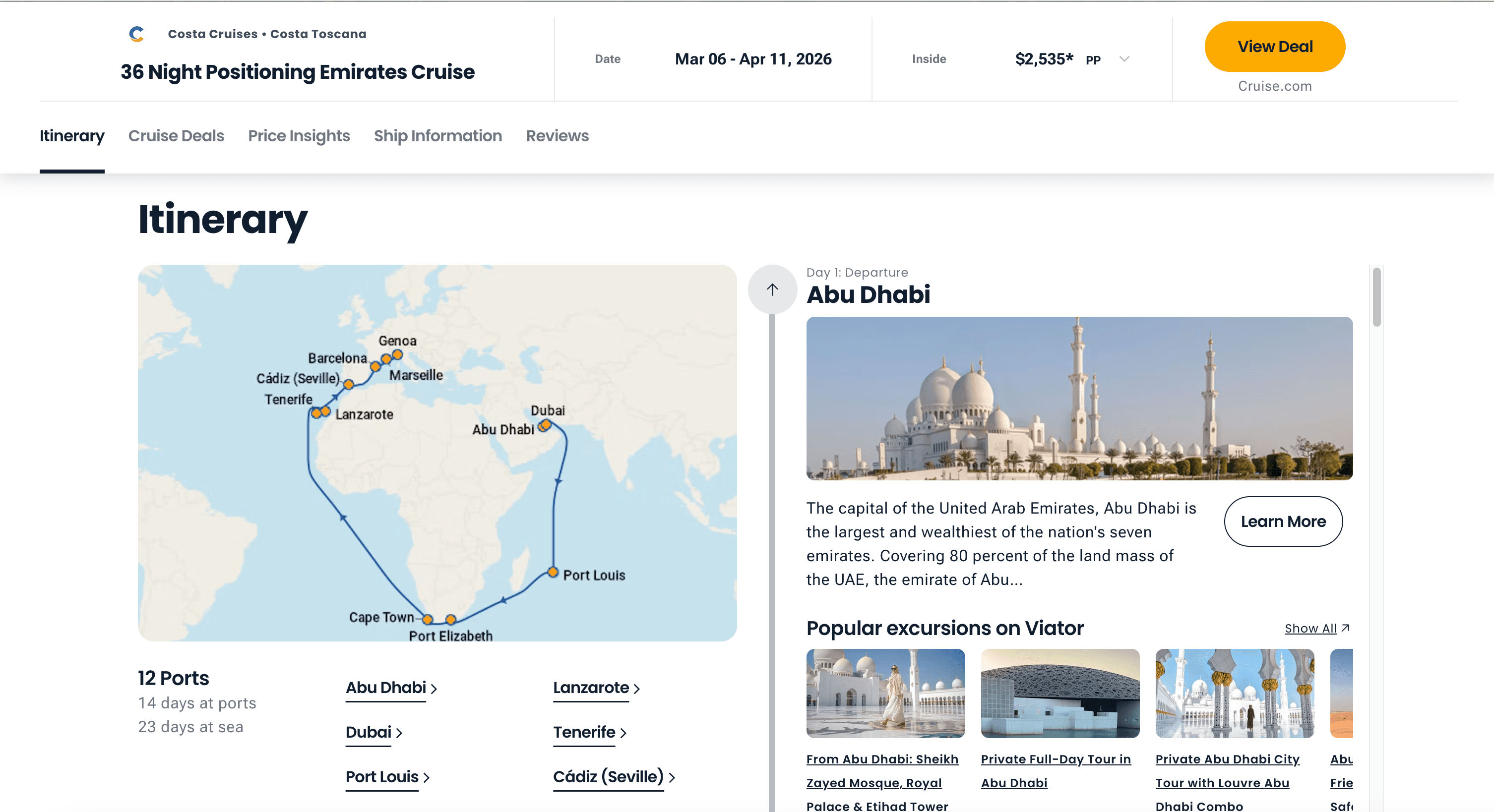
Steps:
- Sign up for Scrapebit — choose any access method: Web App for in-browser scraping, Chrome Extension to scrape any page you visit, or the REST API for automation.
- Go to the Cruise Critic cruise details page.
- Click AI Suggest Columns to let the AI recommend the best columns for cruise details.
- Click Scrape to extract the data and download your file.
Column names
💡 Why Use Cruise Critic Scraper Tool
Extracting cruise data from Cruise Critic can save you hours of manual copy-pasting and help you:
- Compare cruise options quickly for travel planning or agency work.
- Analyze pricing trends and itinerary patterns for market research.
- Build custom cruise databases for newsletters, blogs, or travel apps.
- Monitor competitor offerings if you’re in the travel industry.
- Automate repetitive research for academic or business projects.
Whether you’re a travel agent, data analyst, cruise enthusiast, or content creator, Scrapebit’s AI-powered scraper gives you structured, ready-to-use data in minutes.
🧩 How to Use Cruise Critic Chrome Extension
- Install the Scrapebit Chrome Extension: Download the extension and register your account.
- Navigate to Cruise Critic Search or Details Page: Go to the search results or itinerary details page you want to scrape.
- Activate AI-Powered Scraper: Click AI Suggest Columns to generate column names or customize columns to meet your needs.
For a step-by-step guide, check out How to Scrape Public Web Pages Using AI and How to Scrape Website Data into Excel using AI.
💵 Pricing for Cruise Critic Scraper
Scrapebit uses a credit-based system:
- 1 credit = 1 output row (each cruise or itinerary entry).
- Free tier: Scrape up to 6 pages per month.
- Free trial: Scrape up to 10 pages for free when you start your trial.
Paid Plans
- AI Suggest Columns is included in all plans at no extra cost.
- The yearly plan offers the best value, with significant savings compared to monthly billing.
See full details on the Scrapebit Pricing page.
❓ FAQ
-
What is the AI Powered Cruise Critic Scraper?
The AI Powered Cruise Critic Scraper is a Chrome extension that uses artificial intelligence to extract cruise listings and detailed itinerary data from Cruise Critic. It automatically structures the data, making it easy to download and analyze for travel planning, research, or business use. -
What is Scrapebit?
Scrapebit is an AI-driven productivity tool that helps you automate web scraping, data extraction, and repetitive online tasks. With its Chrome extension, you can scrape data from publicly accessible webpages, including Cruise Critic, in just a few clicks—no coding required. -
How do I get started with the Cruise Critic Scraper?
Simply install Scrapebit (as a Web App or Chrome Extension), register your account, and navigate to the Cruise Critic page you want to scrape. Use the AI Suggest Columns feature to set up your data extraction, then click Scrape. -
What data can I extract from Cruise Critic?
You can extract cruise names, cruise lines, departure dates, ports, prices, ship details, day-by-day itineraries, and more. The AI automatically detects and structures the most relevant data fields for you. -
Is there a free trial available?
Yes, Scrapebit offers a free trial that lets you scrape up to 10 pages at no cost. The free tier also allows you to scrape 6 pages per month, making it easy to test the tool before upgrading. -
How does the credit system work?
Each output row (such as a cruise listing or itinerary entry) costs 1 credit. Credits are included in all paid plans, and you can choose a plan that fits your scraping needs. If you need more, you can upgrade or purchase additional credits. -
Can I customize the columns I want to scrape?
Absolutely. The AI Suggest Columns feature recommends the best columns for each page, but you can adjust or add columns to fit your specific requirements before scraping. -
Is it legal to scrape data from Cruise Critic?
Scraping publicly available data for personal or business use is generally allowed, but you should always review Cruise Critic’s terms of service and ensure compliance with relevant laws and regulations. -
Where can I learn more about web scraping with Scrapebit?
Visit the Scrapebit Blog for tutorials and guides, such as How to Scrape Public Web Pages Using AI, How to Scrape Website Data into Excel using AI, and The Best Web Scraping Tools & Software in 2025.
📚 Learn More
- Scrapebit Official Website
- Download Scrapebit Chrome Extension
- Scrapebit Pricing
- Scrapebit Blog
- How to Scrape Public Web Pages Using AI
- How to Scrape Website Data into Excel using AI
- The Best Web Scraping Tools & Software in 2025
- Scrapebit YouTube Channel
With Scrapebit, you can turn Cruise Critic’s rich cruise data into actionable insights—fast, accurate, and structured for your workflow.
Ready to use this template?
Install the Scrapebit Chrome extension and start scraping in minutes.