
Argiro Scraper
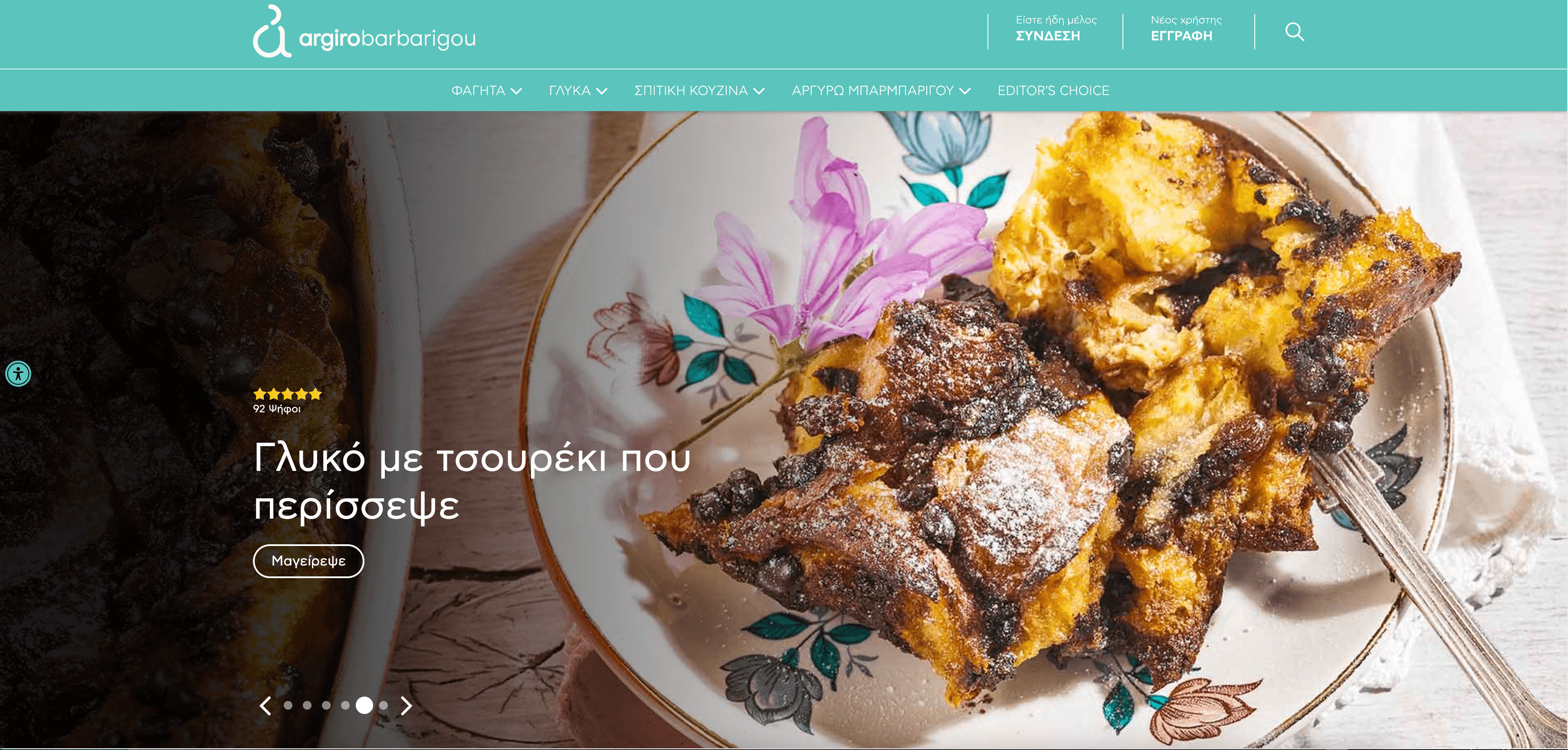
Scrapebit's Argiro scraper enables you to extract recipe listings and detailed recipe information from Argiro.gr using AI. Capture ingredients, instructions, and more from both category and individual recipe pages in just a few clicks.
Scrapebit’s AI-Powered Argiro Scraper transforms the way you collect recipe data from Argiro.gr. By leveraging advanced AI, Scrapebit structures recipe listings and detailed cooking instructions into organized, downloadable data—no coding or manual copy-pasting required.
🥗 What is Argiro Scraper
The Argiro Scraper is an AI Web Scraper designed to extract recipe listings and detailed recipe information from Argiro.gr. With Scrapebit — available as a Web App or Chrome Extension, you simply navigate to any Argiro recipe category or recipe detail page, click AI Suggest Columns, and then hit Scrape. Scrapebit’s AI instantly analyzes the page, recommends the best columns, and structures the data for you—ready to download in seconds.
🍽️ What can you scrape with Argiro Scraper
Scrapebit’s Argiro Scraper is perfect for food bloggers, culinary researchers, nutritionists, and anyone who wants to build a recipe database or analyze Greek cuisine trends. You can extract both high-level recipe listings and in-depth recipe details with just a few clicks.
Scrape Argiro Recipe Category Listing Page
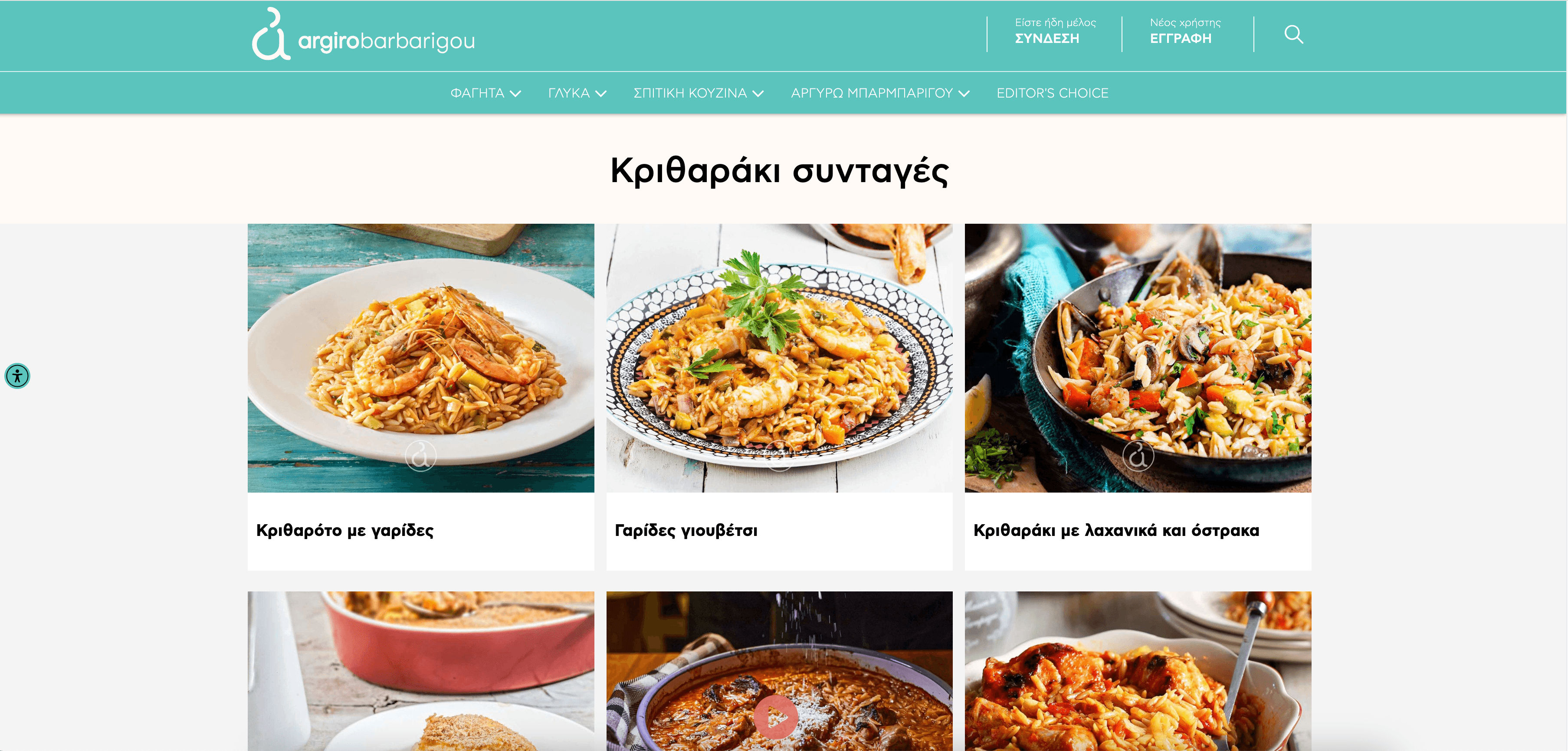
The Argiro Recipe Category Listing Scraper lets you collect all recipes from a specific category, such as kritharaki recipes. This is ideal for building a collection of similar recipes or analyzing popular ingredients and cooking styles.
Steps:
- Sign up for Scrapebit — choose any access method: Web App for in-browser scraping, Chrome Extension to scrape any page you visit, or the REST API for automation.
- Go to the destination page, for example: Argiro Recipe Category Listing.
- Click AI Suggest Columns, which recommends column names.
- Click Scrape to run the scraper, get data, and download the file.
Column names
Scrape Argiro Recipe Details Page
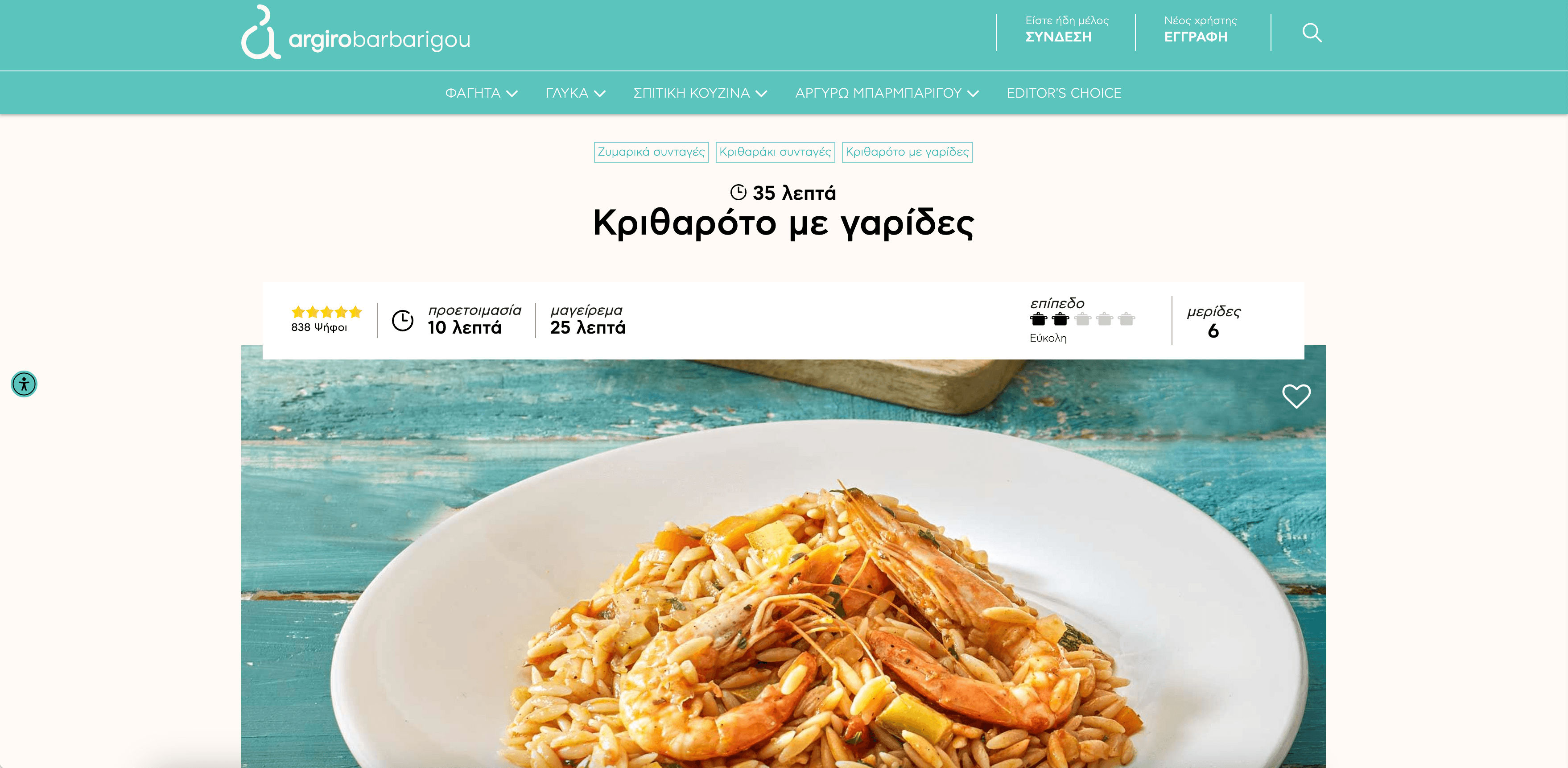
The Argiro Recipe Details Scraper allows you to extract comprehensive information from any individual recipe, such as Kritharoto me Garides. This is perfect for building a structured recipe database, nutritional analysis, or content curation.
Steps:
- Sign up for Scrapebit — choose any access method: Web App for in-browser scraping, Chrome Extension to scrape any page you visit, or the REST API for automation.
- Go to the destination page, for example: Argiro Recipe Details.
- Click AI Suggest Columns, which recommends column names.
- Click Scrape to run the scraper, get data, and download the file.
Column names
🍴 Why Use Argiro Scraper Tool
Scraping Argiro recipes with Scrapebit unlocks a world of culinary data for:
- Food Bloggers & Content Creators: Quickly build a recipe database or curate content for your audience.
- Nutritionists & Dietitians: Analyze ingredients and nutritional trends across Greek recipes.
- Culinary Researchers: Study traditional and modern Greek cooking methods at scale.
- Cooking App Developers: Populate your app with structured, high-quality recipes.
- Home Cooks: Organize your favorite recipes for easy access and meal planning.
With Scrapebit’s AI, you save hours of manual copy-pasting and avoid errors, letting you focus on creativity and analysis.
🧑💻 How to Use Argiro Chrome Extension
- Install the Scrapebit Chrome Extension: Download the extension and register your account.
- Navigate to Argiro Category or Recipe Page: Go to any Argiro recipe category or recipe details page.
- Activate AI-Powered Scraper: Click AI Suggest Columns to generate column names or customize columns to meet your needs.
For a step-by-step guide, check out How to Scrape Public Web Pages Using AI and How to Scrape Website Data into Excel using AI.
💵 Pricing for Argiro Scraper
Scrapebit uses a credit-based system:
- 1 credit = 1 output row (e.g., 1 recipe or 1 ingredient line).
- Free Plan: Scrape up to 6 pages per month.
- Free Trial: Scrape up to 10 pages for free when you start your trial.
Paid Plans offer more credits for higher-volume needs, with significant savings on yearly subscriptions:
Tip: The yearly plan is more cost-effective and is currently discounted.
Learn more on the Scrapebit Pricing page.
❓ FAQ
-
What is the AI Powered Argiro Scraper?
The AI Powered Argiro Scraper is a tool within Scrapebit’s Chrome Extension that lets you extract recipe listings and detailed recipe data from Argiro.gr. It uses AI to automatically detect and structure relevant information, making data collection fast and accurate. -
What is Scrapebit?
Scrapebit is an AI-driven Chrome Extension for web scraping, data extraction, and productivity automation. It’s designed for business users, researchers, and anyone who needs to collect structured data from the web without coding. -
How do I get started with the Argiro Scraper?
Simply install Scrapebit (as a Web App or Chrome Extension), register your account, and navigate to any Argiro recipe or category page. Use the AI Suggest Columns feature to set up your scraper in seconds. -
What data can I extract from Argiro.gr?
You can extract recipe titles, images, ingredients, instructions, preparation times, categories, and more. The AI Suggest Columns feature helps you select the most relevant fields for your needs. -
Is there a free trial for the Argiro Scraper?
Yes, Scrapebit offers a free trial that allows you to scrape up to 10 pages at no cost. This is a great way to test the tool’s capabilities before choosing a paid plan. -
How does the credit system work?
Each output row (such as a recipe or ingredient) costs 1 credit. The number of credits you need depends on how much data you want to extract. Free and paid plans are available to suit different usage levels. -
Can I customize the columns I want to scrape?
Absolutely. After using AI Suggest Columns, you can adjust or add columns to match your specific data requirements. Scrapebit’s flexibility ensures you get exactly the data you need. -
Is Scrapebit suitable for non-technical users?
Yes, Scrapebit is designed for everyone. The interface is intuitive, and the AI handles the technical details, so you don’t need any coding skills to scrape data from Argiro.gr or other sites. -
Where can I learn more about web scraping with Scrapebit?
Visit the Scrapebit Blog for tutorials and guides, such as How to Scrape Public Web Pages Using AI, How to Scrape Website Data into Excel using AI, and The Best Web Scraping Tools & Software in 2025.
📚 Learn More
- Scrapebit Official Website
- Download Scrapebit Chrome Extension
- Scrapebit Pricing
- Scrapebit Blog
- What Is Data Scraping and How to Do It in 2025
- How to Scrape Public Web Pages Using AI
- How to Scrape Website Data into Excel using AI
- Scrapebit YouTube Channel
With Scrapebit’s AI-Powered Argiro Scraper, you can turn Argiro.gr’s rich recipe content into actionable, structured data—ready for your next culinary project or research initiative.
Ready to use this template?
Install the Scrapebit Chrome extension and start scraping in minutes.